
- Authors
1. AI Can Make Webtoons?
Creating a webtoon typically requires three things:
- Story - What the narrative is about
- Characters - Who appears in the story
- Art - Drawing the scenes
AI can handle all three. In this post, I share how I used the Gemini API to automatically create webtoons from story generation to image creation, with only a topic as input.
The key is pre-configuring templates and characters. Once the setup is done, you can keep producing webtoons by simply changing the topic.
2. Overall Architecture
User input (topic + character selection)
       |
[Stage 1] Script generation (Gemini Text API)
       -> Generate title, scene descriptions, and dialogue as JSON
       |
[Stage 2] User edits the script (optional)
       -> Manually edit dialogue or scenes
       |
[Stage 3] Image generation (Gemini Image API)
       -> Generate each page as an actual image
       |
Finished webtoon
The 2-stage pipeline is the key. By separating text generation from image generation, a human can modify the script in between. If the AI-written dialogue does not feel right, change it. If it is fine, pass it straight to image generation.
3. Character Setup
3.1 Character Library
Characters are defined in advance. Each character has a name and a reference image:
const CHARACTERS = [
  { name: "JUN", image: "JUN.jpg" },
  { name: "Jeff", image: "Jeff.jpg" },
  { name: "Hypurr", image: "hypurr.jpg" },
  { name: "Max", image: "Max.jpg" },
  // ... up to 18 characters
];

const MAX_CHARACTERS = 5; // Max 5 per webtoon
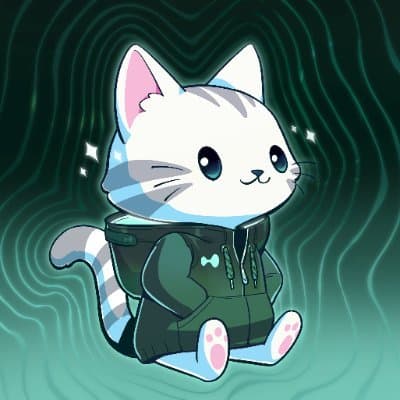

The reason for pre-defining characters is consistency. If you ask "draw a cat character" every time, you get a different character each time. But if you describe "this character has these specific features" in detail, the AI draws a similar character in every panel.
3.2 Character Descriptions
Detailed visual features of each character are included in the image generation prompt:
CHARACTERS:
These are "Hypurr" cat characters with these EXACT features:
- Cute cat faces with BIG expressive eyes (sparkly, emotional)
- Small pink noses and happy/expressive mouths
- Soft fluffy fur in various colors
- Each character wears a UNIQUE distinctive outfit/accessory:
  * Some wear cowboy hats, fur hats, glasses, sunglasses
  * Some wear hoodies, jackets, scarves, knight armor
  * Each has their own signature look
- Rounded chibi body proportions (big heads, small bodies)
- Fluffy striped tails
- Human-like poses (sitting, using phones, talking, gesturing)
This description goes into every single image generation request identically. This ensures the base character style is maintained regardless of the scene being drawn.
4. Templates
4.1 Layout Templates
Webtoon layouts are also defined in advance:
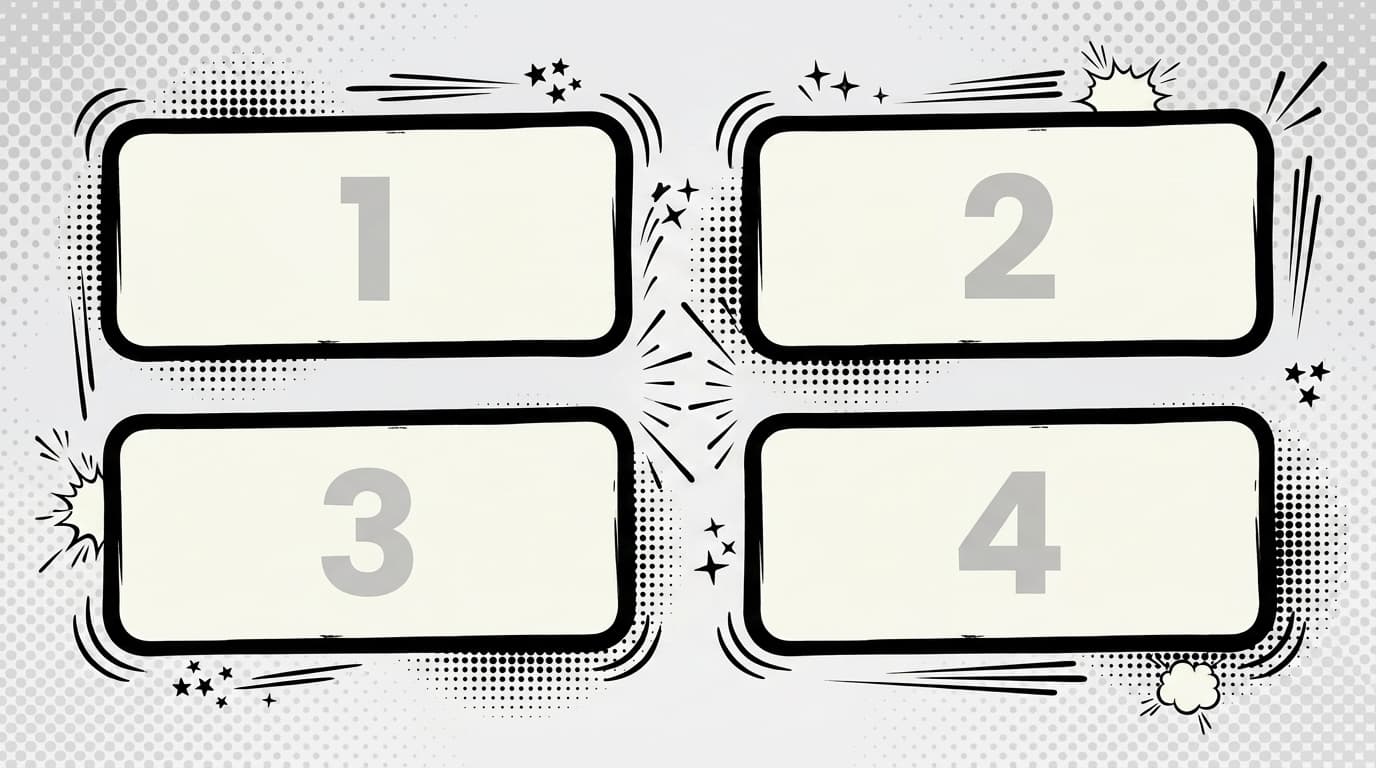
Supported layouts:
- Grid (2x2) - 4-panel comic, the most basic format
- Webtoon - Vertical scroll, 800px width
- Single - Single dramatic panel
4.2 Meme Templates
Popular meme formats are also available as templates:
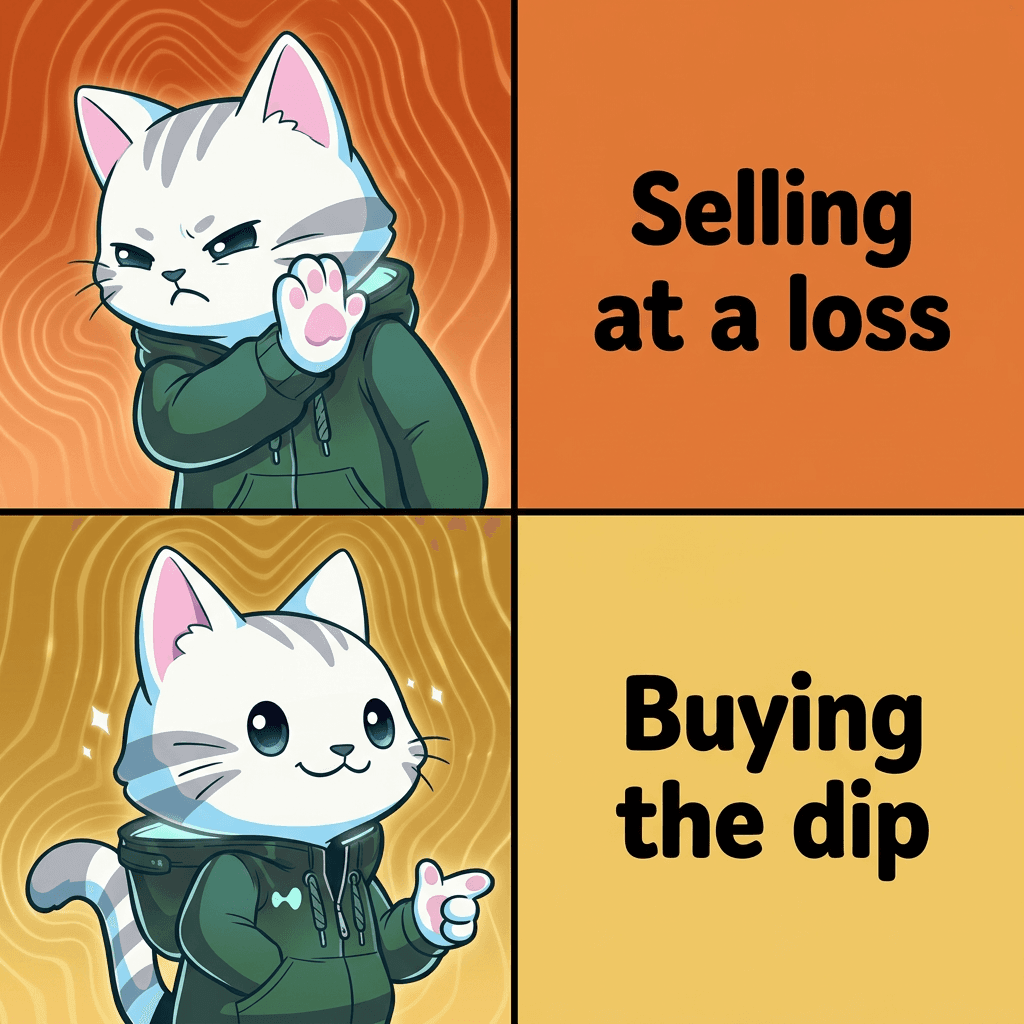
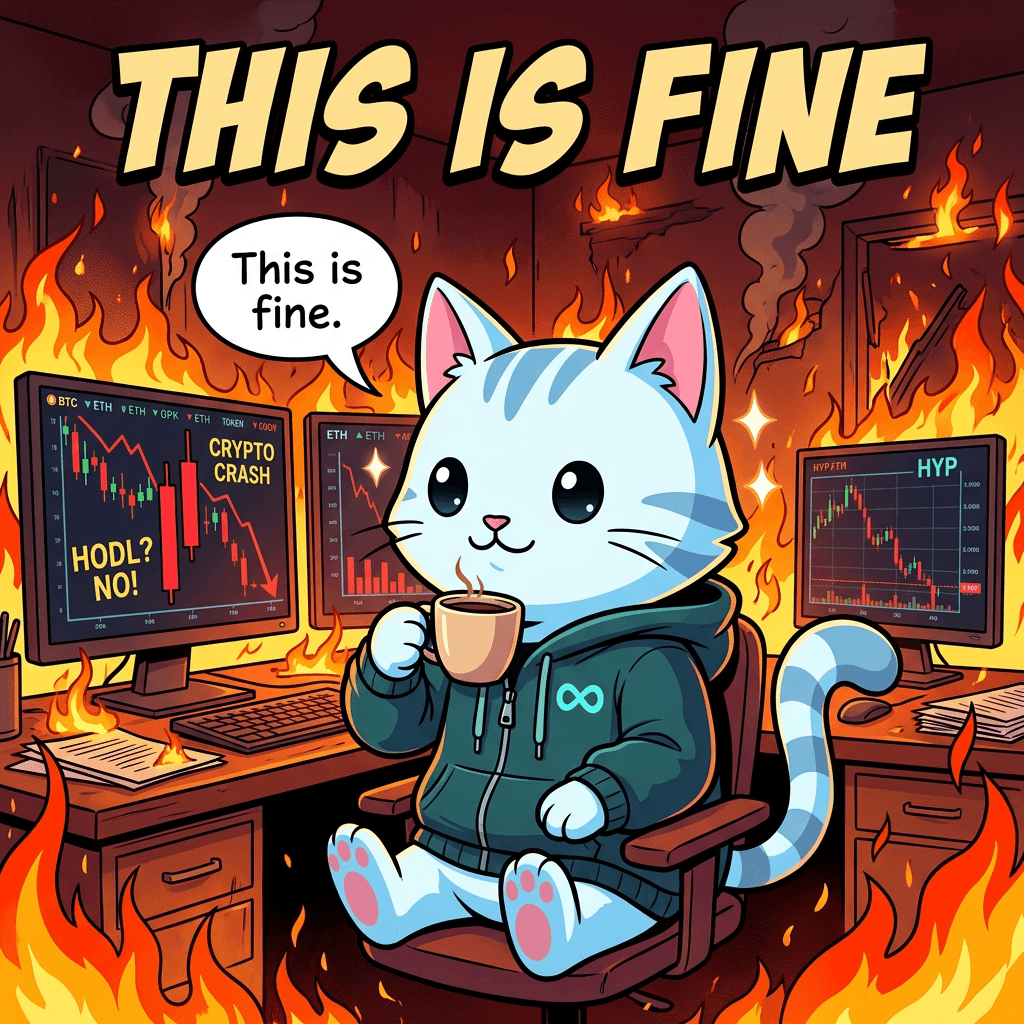
const MEME_TEMPLATES = [
  {
    id: "drake",
    name: "Drake Like/Dislike",
    description: "Character expressing preferences",
    fields: [
      { id: "nft", type: "nft", label: "Character" },
      { id: "dislike", type: "text", label: "Dislike" },
      { id: "like", type: "text", label: "Like" },
    ],
  },
  {
    id: "this-is-fine",
    name: "This is Fine",
    description: "Single character in chaotic situation",
    fields: [
      { id: "nft", type: "nft", label: "Character" },
      { id: "situation", type: "text", label: "Situation" },
    ],
  },
];
Just select a template and fill in the blanks. Enter "which character dislikes what and likes what," and the Drake meme is done.
5. Stage 1: Automatic Script Generation
5.1 Input
All the user needs to provide is this:
{
  theme: "HYPE coin went up 50%",           // topic
  characters: ["JUN", "Max", "Hypurr"],     // cast
  numPages: 4,                              // number of pages
  tone: "meme",                             // tone (comic / serious / meme)
  additionalInfo: "plot twist at the end"   // additional requirements (optional)
}
5.2 Prompt
Based on this input, a script generation request is sent to Gemini:
const storyPrompt = `Create a ${numPages}-page comic story about: ${theme}

Tone: ${toneInstruction}
Characters: ${characters.join(", ")}
${additionalInfo ? `Additional requirements: ${additionalInfo}` : ""}

For each page, provide:
- Scene description (visual details for the comic panel)
- Dialogue for characters (2-4 lines per page)

Format as JSON:
{
  "title": "Comic Title",
  "pages": [
    {
      "pageNumber": 1,
      "scene": "Detailed scene description",
      "dialogue": [{"character": "Name", "text": "What they say"}]
    }
  ]
}`;
5.3 Result
The AI returns a script in JSON format:
{
  "title": "HYPE TO THE MOON",
  "pages": [
    {
      "pageNumber": 1,
      "scene": "JUN sitting at desk, multiple monitors showing green charts",
      "dialogue": [
        { "character": "JUN", "text": "HYPE just went up 50%..." },
        { "character": "Max", "text": "BRO CHECK THE CHART" }
      ]
    }
  ]
}
The Gemini 2.0 Flash model is used here. A fast and inexpensive model is sufficient for text generation. A JSON schema is specified to ensure the output is always in a parseable format.
6. Stage 2: Image Generation
Once the script is finalized, each page is turned into an actual image.
6.1 Image Prompt
const imagePrompt = `Create a HIGH-QUALITY professional 4-panel comic page.

TITLE: "${script.title}" (displayed prominently at top)

STORY SCENE: ${page.scene}

CHARACTERS (${characters.join(", ")}):
These are "Hypurr" cat characters — adorable anthropomorphic cats with:
- Big expressive eyes, small pink noses
- Each character has a UNIQUE outfit/accessory
- Rounded chibi proportions, fluffy striped tails

DIALOGUE (include in professional speech bubbles):
${page.dialogue.map(d => `${d.character}: "${d.text}"`).join("\n")}

LAYOUT:
- 4 panels in 2x2 grid
- Clean black borders between panels
- Bold title banner at top

ART STYLE (CRITICAL):
- Premium digital illustration quality
- Dramatic cinematic lighting with rim lights
- Rich detailed backgrounds
- Professional comic speech bubbles
- High contrast, saturated colors`;
A more powerful model is used for image generation. The default is gemini-3-pro-image-preview, with a fallback to gemini-3.1-flash-image-preview if it fails.
6.2 Actual Generation Results
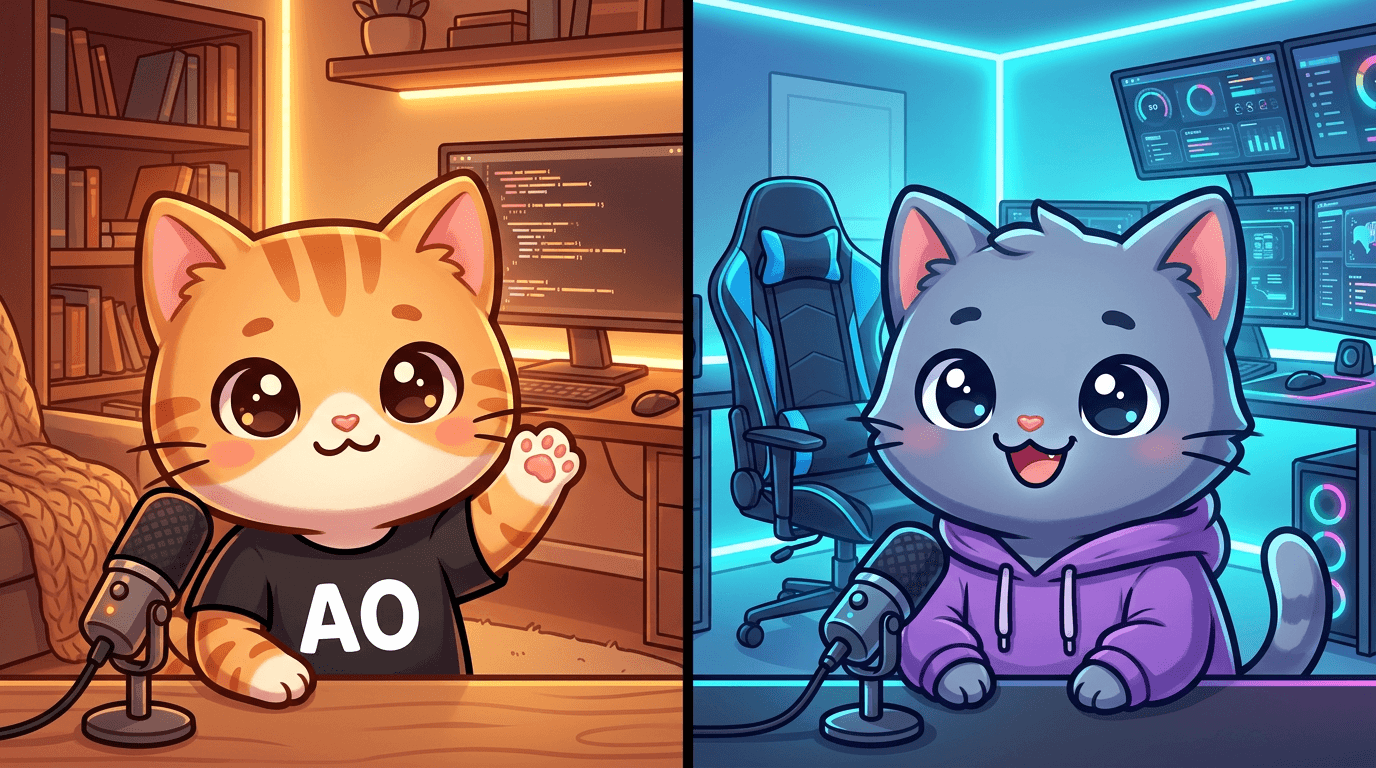
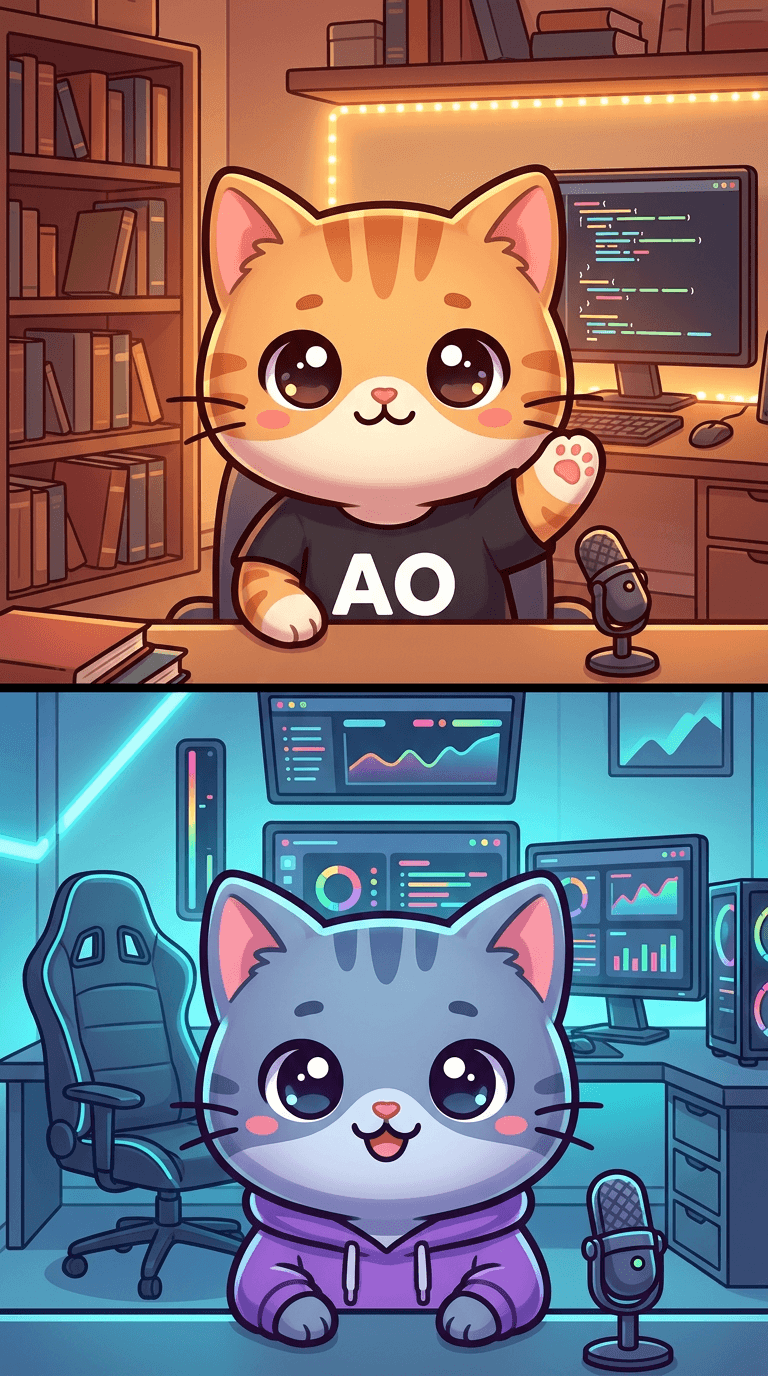
Even with the same script, changing just the layout produces a different format of webtoon. Grid works well for social media posts, while the Webtoon format is better for vertical reading like on Naver Webtoon.
7. Why Template + Character Pre-Configuration Matters
The biggest challenge in AI image generation is consistency. If you ask "draw a cat" every time, you get a different cat every time. The solution is pre-configuration.
Character Consistency
- Describe each character's visual features in very specific detail
- Details like "big eyes," "pink nose," and "striped tail" go into every prompt
- Characters are distinguished by unique accessories (cowboy hat, glasses, etc.)
Style Consistency
- Art style directives are included identically in every prompt
- Keywords like "premium digital illustration" and "dramatic cinematic lighting" are fixed
- Using the same style guide ensures the art style matches between panel 1 and panel 4
Layout Consistency
- Layout directives are also fixed
- Structural instructions like "4 panels in 2x2 grid, clean black borders"
- Speech bubble placement and title placement are also specified
8. Practical Tips
What Works Well
- 4-panel comics - Short gags and memes produce good results
- 2-3 characters - Too many and the AI gets confused
- Meme formats - Standardized formats like Drake and This is Fine are well understood by the AI
Things to Watch Out For
- Text is not perfect - Text inside speech bubbles sometimes breaks. Important text may need post-editing
- 5+ characters is difficult - When there are too many characters in one panel, they become hard to distinguish
- Complex action scenes have limitations - Simple situations and dialogue-focused content produce better results
The Difference Tone Makes
const toneInstructions = {
  comic: "Use a light-hearted, humorous tone with fun dialogue and visual gags.",
  serious: "Use a dramatic, intense tone with emotional depth and cinematic scenes.",
  meme: "Use internet humor, meme references, and exaggerated reactions.",
};
Changing just the tone produces a completely different feel from the same topic. "Bitcoin dropped" with a comic tone becomes a gag, with a serious tone becomes a drama, and with a meme tone becomes a meme.
9. Summary
| Stage | Model | Role |
|---|---|---|
| Script generation | Gemini 2.0 Flash | Topic to scene/dialogue JSON |
| Image generation | Gemini 3 Pro Image | Scene to actual image |
| Fallback | Gemini 3.1 Flash Image | Backup when Pro fails |
Once templates and characters are set up, you can keep creating webtoons by simply changing the topic. Even if you cannot draw or write stories, AI handles it all. The human's role is just to choose the topic and review the results.