
- Authors
1. Can You Make Game Resources with AI?
One of the most time-consuming parts of game development is creating character resources. A single character needs images for multiple states like idle, attack, and death, and as the number of character types grows, the required image count increases exponentially.
In this post, I share how I used the Gemini API to automate the following:
- Character design generation (various designs per species)
- Color/pattern variations to create thousands of combinations
- Automatic sprite sheet generation for each state
I actually used this method to create characters for a mobile aquarium game.
2. Overall Architecture
The entire pipeline breaks down into 3 stages:
Stage 1: Generate character designs with AI
   → Send prompts to the Gemini API and receive character images

Stage 2: Generate color/pattern variations
   → Create variations by changing colors and patterns based on a single design

Stage 3: Generate sprite sheets
   → Send the idle image as a reference image to generate sheets with 7 states
The core idea is "generate once, combine infinitely." Have the AI generate individual parts (body, fins, tail, eyes, pattern) separately, then combine them with code to create thousands of unique characters.
3. Character Design Generation
3.1 Species Configuration
First, define the character species in a JSON configuration file. Each species has its own traits, layers (parts), and colors:
{
  "styleGuide": {
    "artStyle": "2D vector cartoon, soft gradients, cel-shaded highlights",
    "perspective": "side view, slight 3/4 angle facing right",
    "lighting": "soft top-left lighting, subtle rim light on edges",
    "outline": "clean dark outline (2-3px), slightly thicker on body",
    "mood": "friendly and appealing for casual mobile game",
    "references": "Insaniquarium, Fishdom, mobile idle games"
  },
  "species": {
    "guppy": {
      "name": "Guppy",
      "description": "Small colorful freshwater fish",
      "physicalTraits": {
        "bodyShape": "small oval body, slightly chubby belly",
        "distinguishingFeatures": "large flowing tail, big cute eyes"
      },
      "layers": [
        {
          "name": "body",
          "variants": ["round", "slim", "chubby"],
          "promptDetails": {
            "round": "perfectly round plump body, balloon-like cute shape",
            "slim": "elongated streamlined body, elegant swimmer shape",
            "chubby": "extra pudgy body, adorable fat cheeks"
          }
        },
        {
          "name": "tail",
          "variants": ["delta", "veil", "lyretail", "round"],
          "promptDetails": {
            "delta": "triangular delta tail, classic guppy shape",
            "veil": "long flowing veil tail, elegant draping fabric-like"
          }
        }
      ],
      "colors": [
        { "name": "sunset_orange", "hex": "#FF6B35", "description": "warm sunset orange with yellow highlights" },
        { "name": "ocean_blue", "hex": "#2E86AB", "description": "deep ocean blue with teal undertones" }
      ]
    }
  }
}
The style guide is the key. It locks in the art style, perspective, lighting, and outline so that all characters come out in the same style. This ensures the AI generates images with a consistent look.
3.2 Prompt Structure
The character generation prompt is composed as follows:
Species base prompt
  + Style guide (art style, perspective, lighting)
  + Variation details (body type, color, pattern)
  + Technical requirements (resolution, background)
Here is the actual code that assembles the prompt:
function buildFullFishPrompt(speciesKey, species, bodyVariant, color, pattern) {
  const { styleGuide } = config;

  return `
Create a single ${species.name} fish character for a mobile game.

CHARACTER SPECS:
- Species: ${species.name}
- Body Type: ${bodyVariant} - ${species.layers.find(l => l.name === 'body').promptDetails[bodyVariant]}
- Color: ${color.name} (${color.hex}) - ${color.description}
- Pattern: ${pattern}

ART STYLE (MUST FOLLOW):
- ${styleGuide.artStyle}
- ${styleGuide.perspective}
- ${styleGuide.lighting}
- ${styleGuide.outline}

TECHNICAL REQUIREMENTS:
- 512x512px, transparent PNG, centered composition
- Single character, no duplicates
- BACKGROUND: Plain solid white background.
  `.trim();
}
3.3 Actual Generation Results
Using this approach, I generated characters for various species:
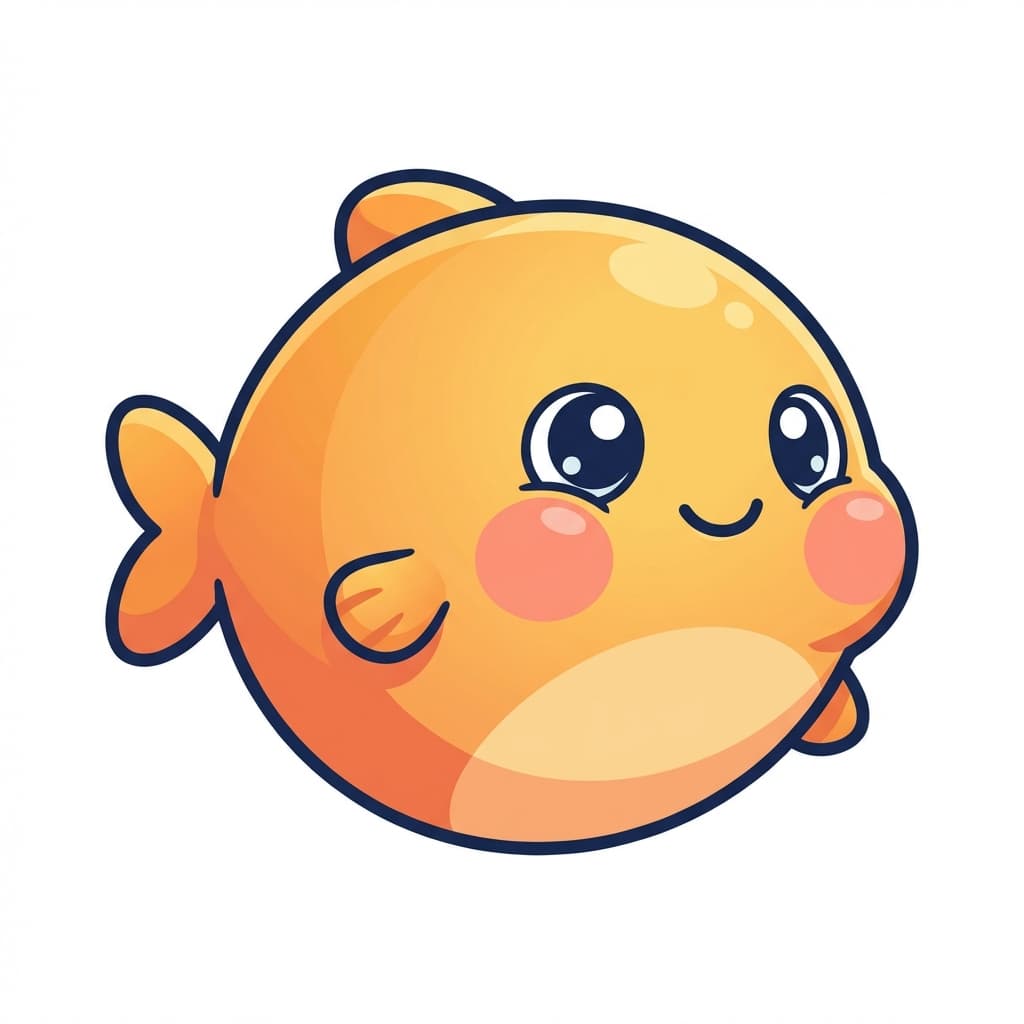
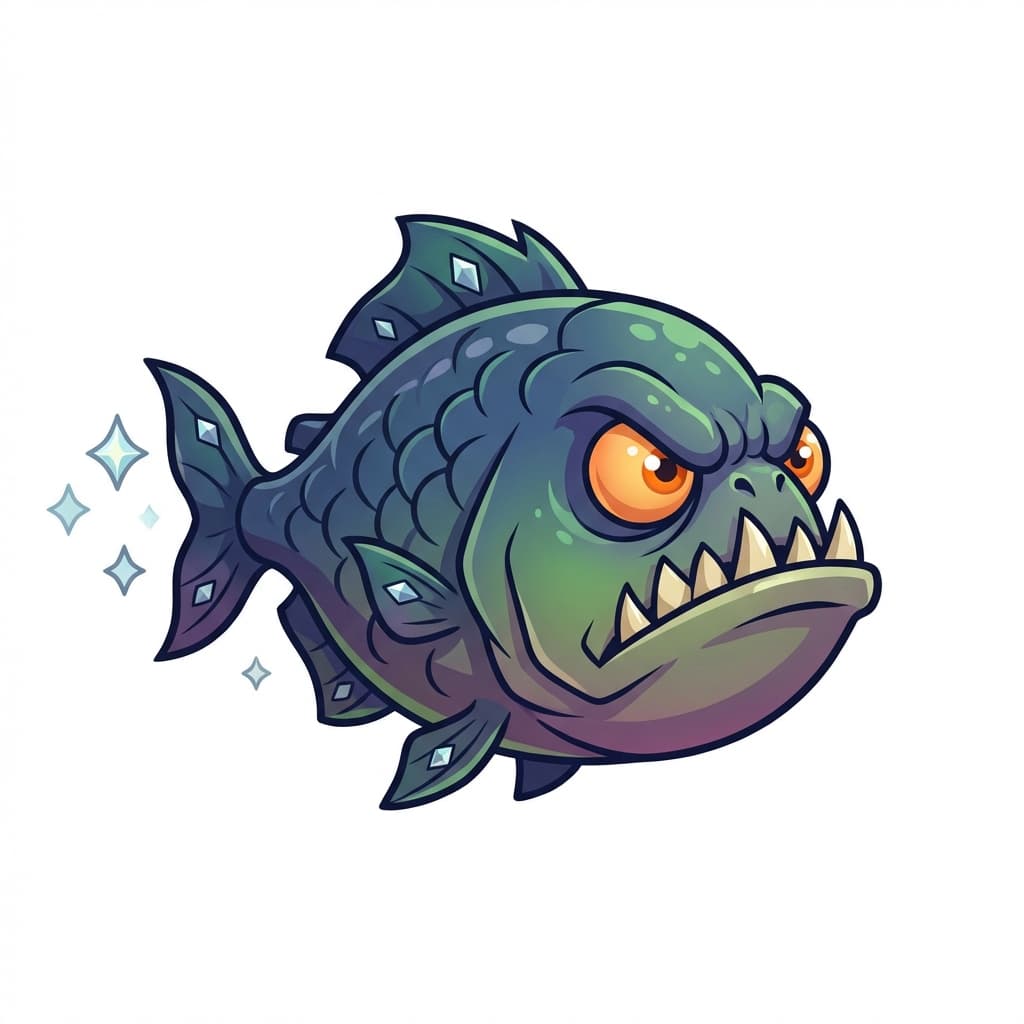
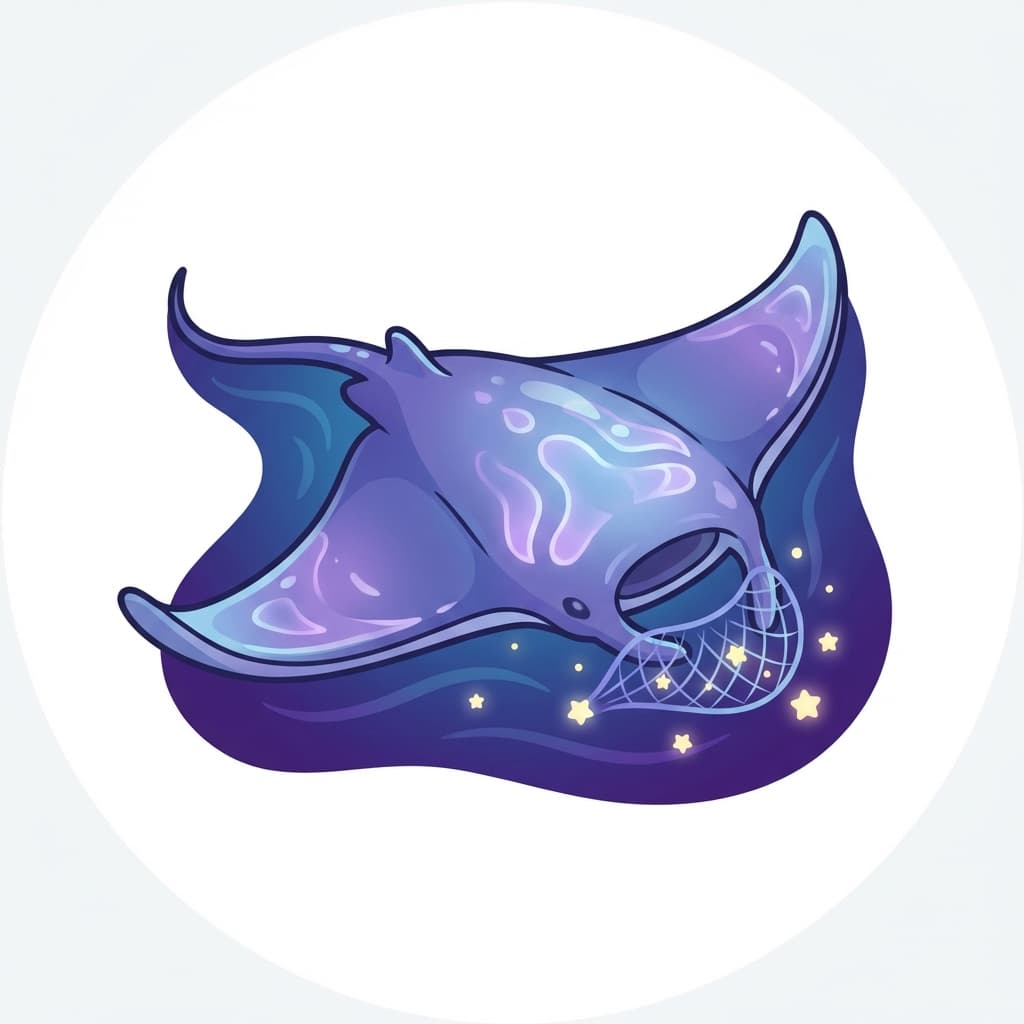
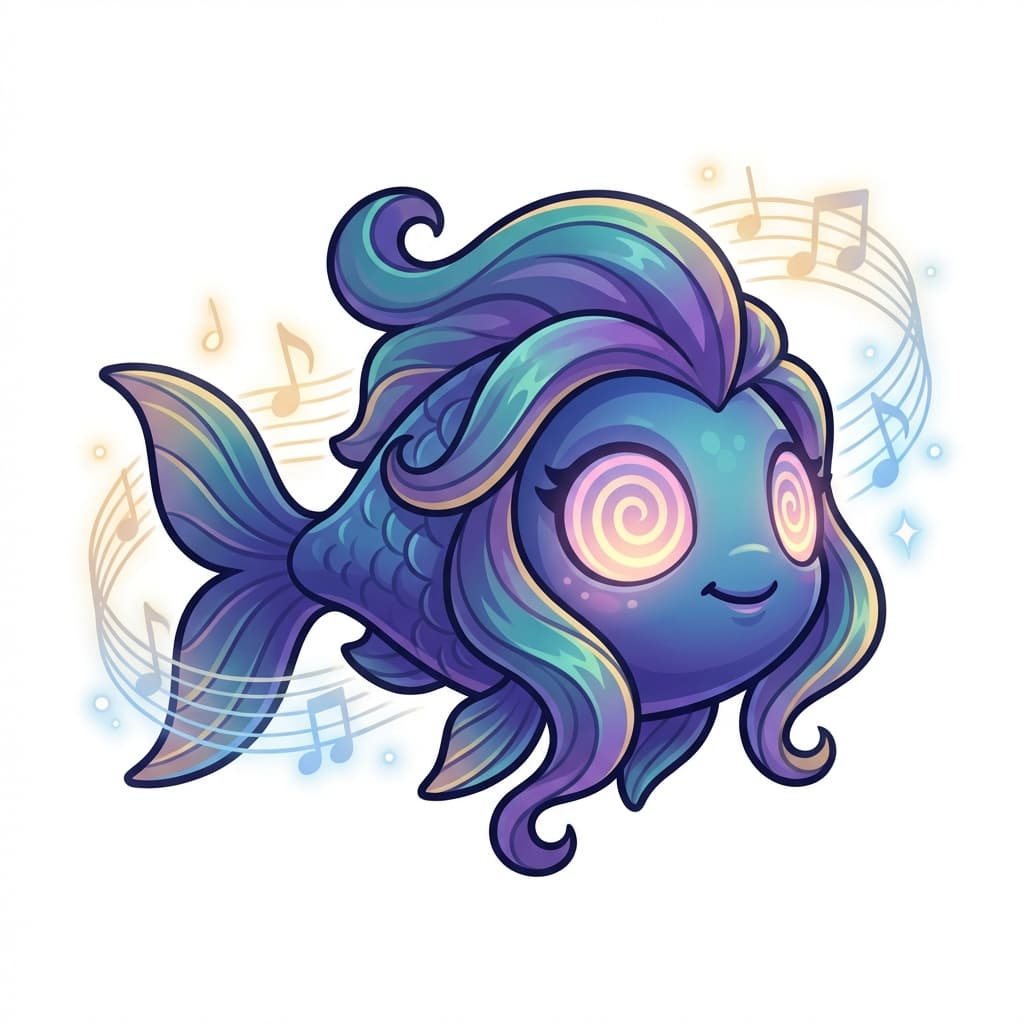
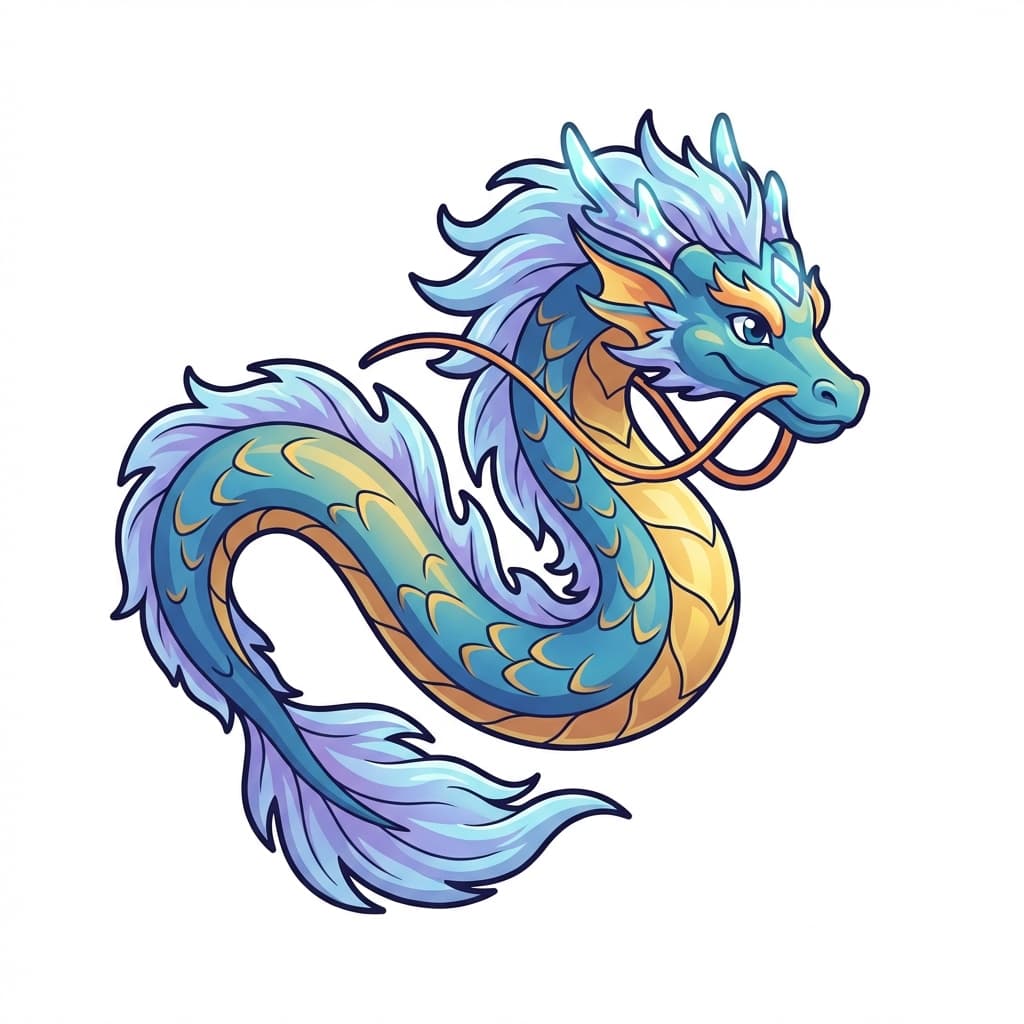
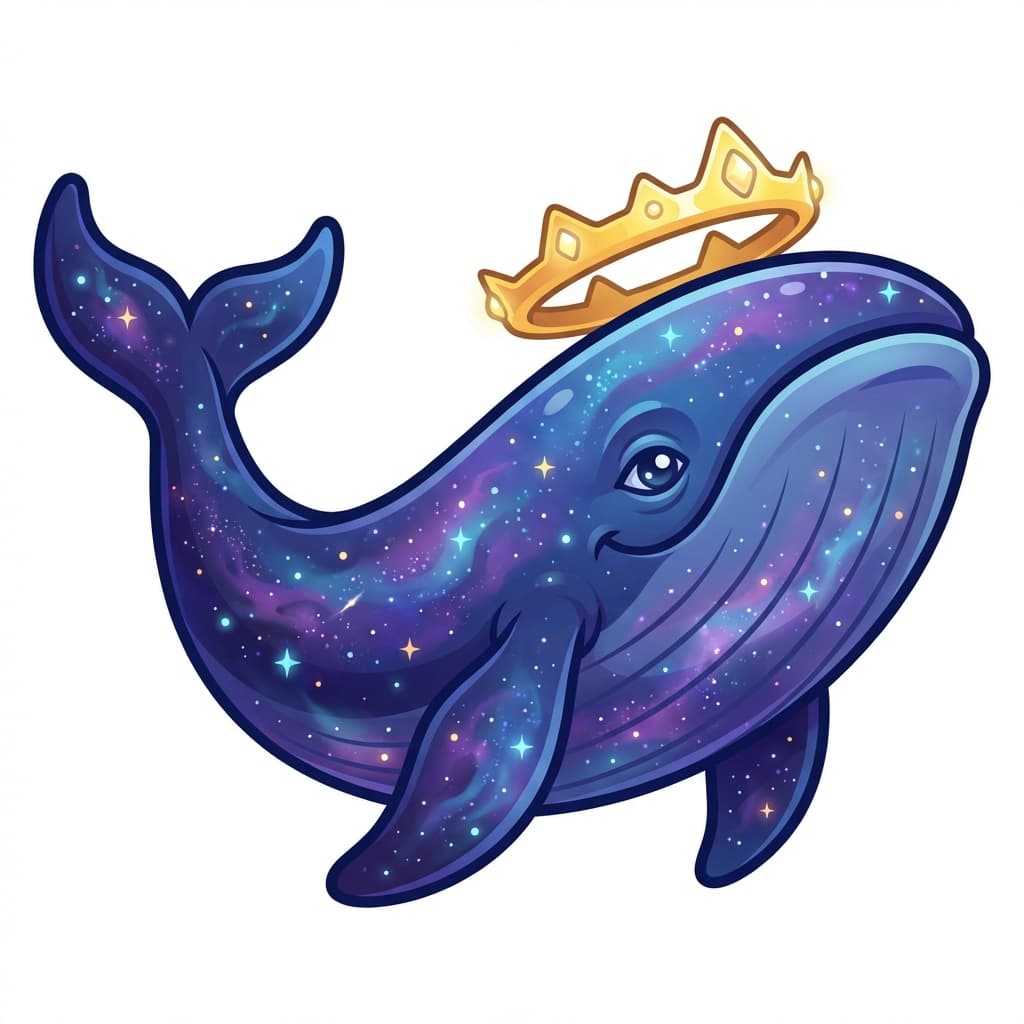
Because the same style guide was used, the art style stays consistent even across different species. The rules of 2D vector cartoon, clean outlines, and soft gradients apply to every character.
4. Color/Pattern Variations - Making Thousands from One
4.1 Color Variations
You can generate variations with only the color changed based on a single character design. By sending a reference image along with the request, you ask "keep the same shape as this character but change the color."
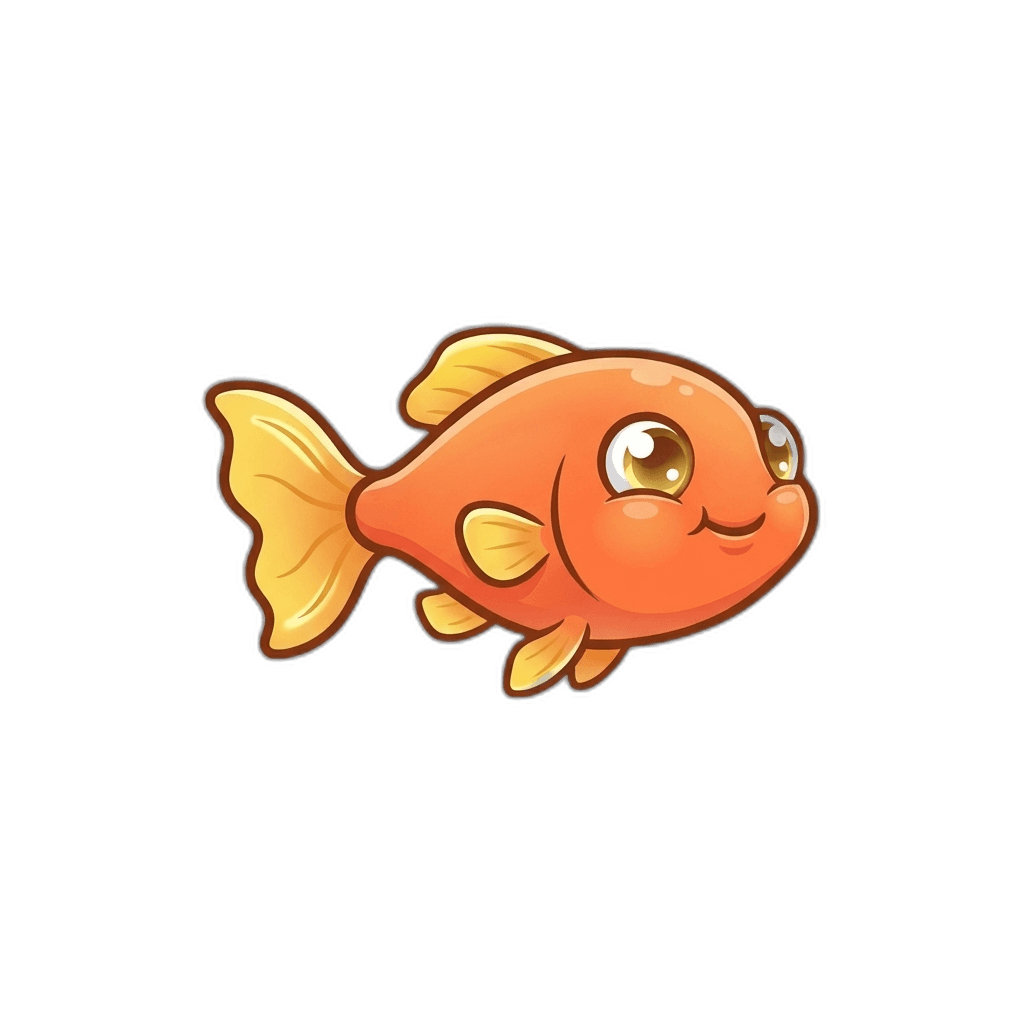
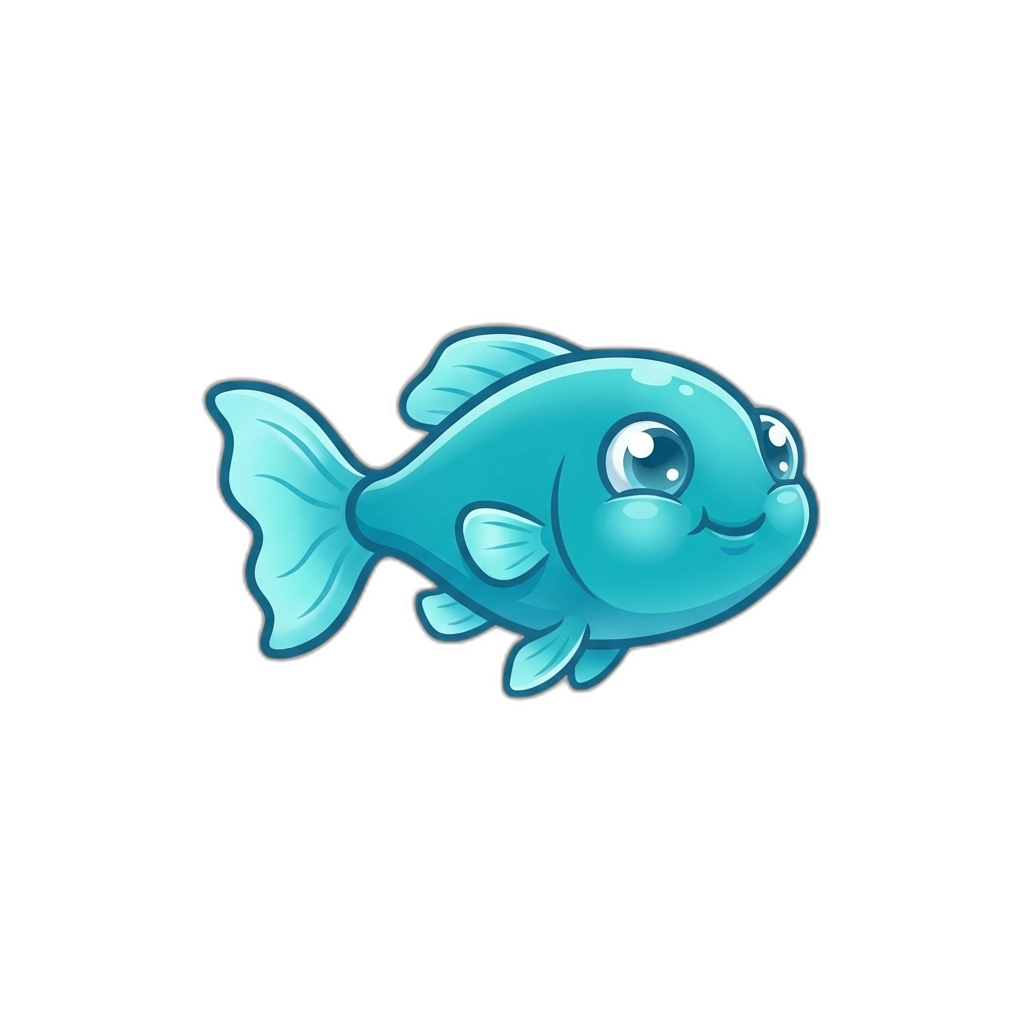
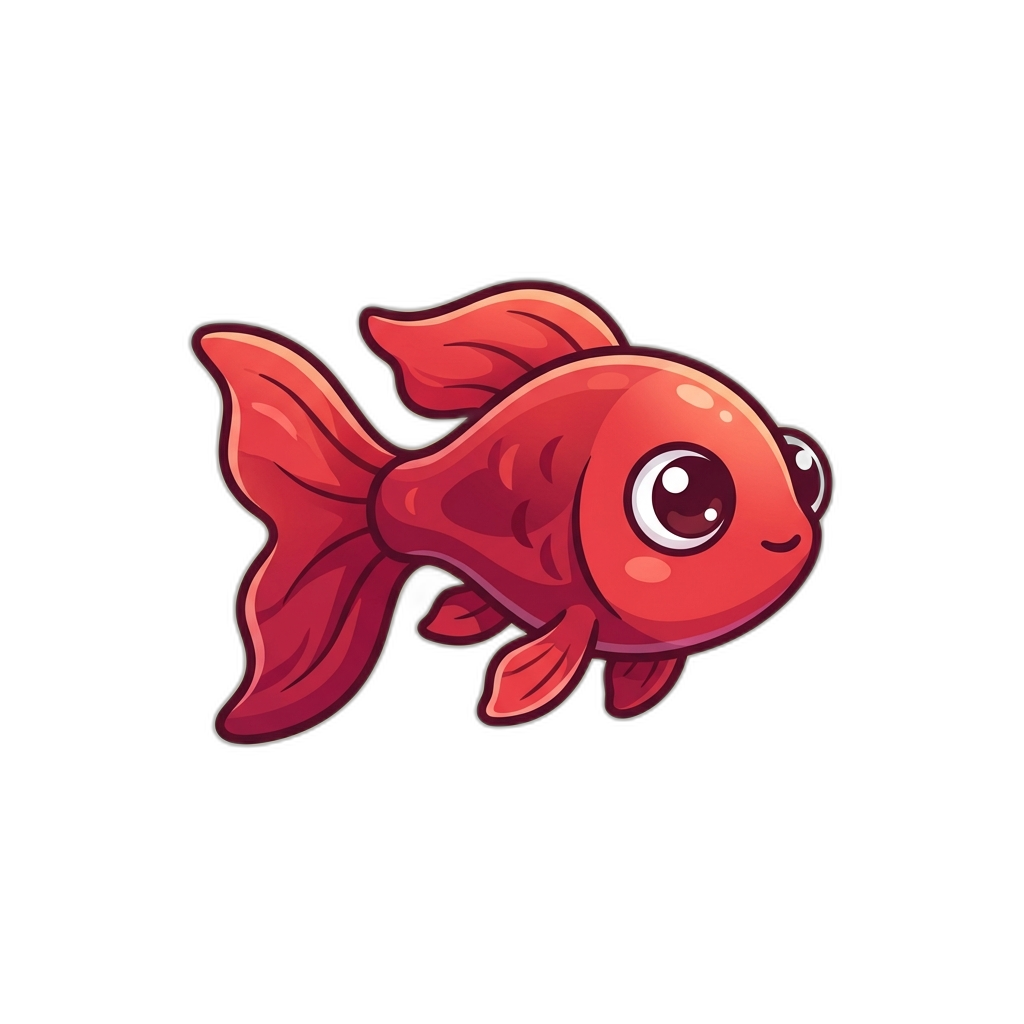
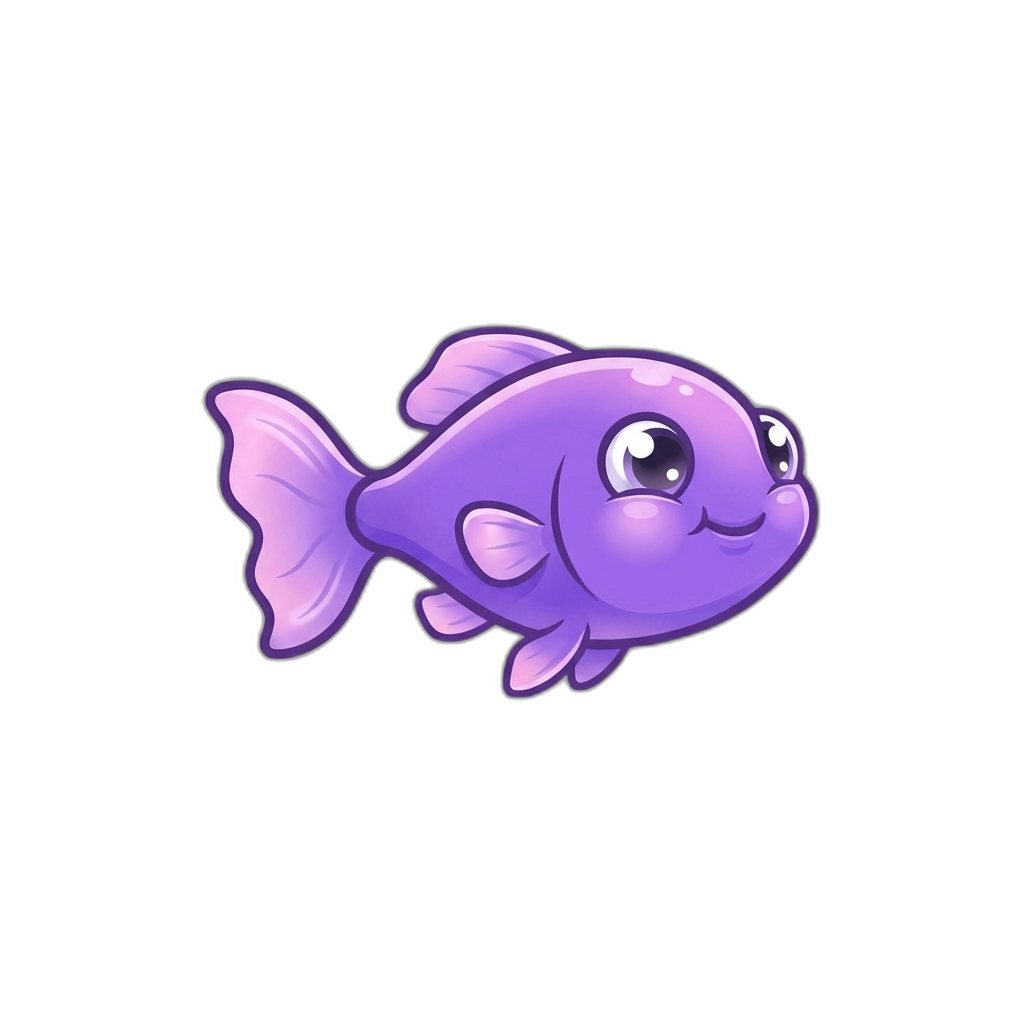
Same character, different colors. The key is changing only the color while preserving the shape.
4.2 Pattern Variations
You can change not only colors but also patterns:
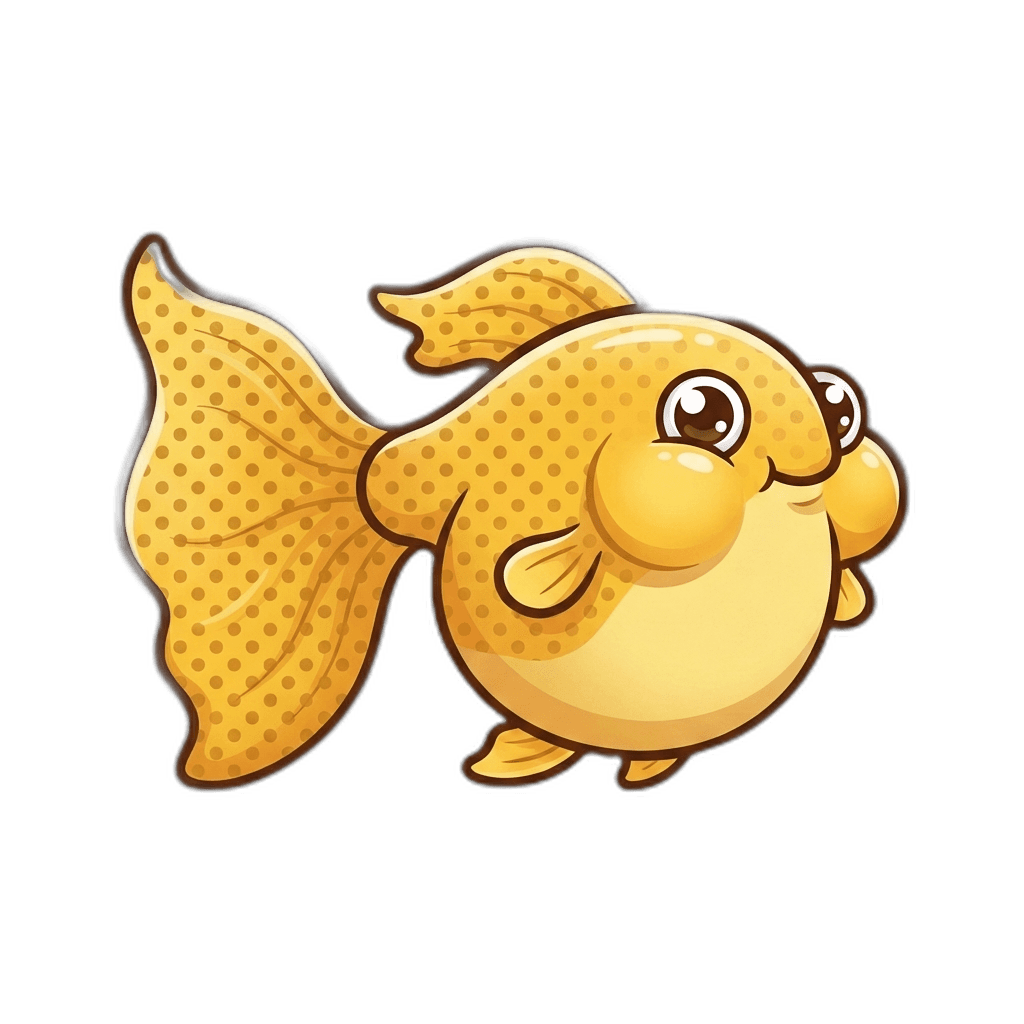
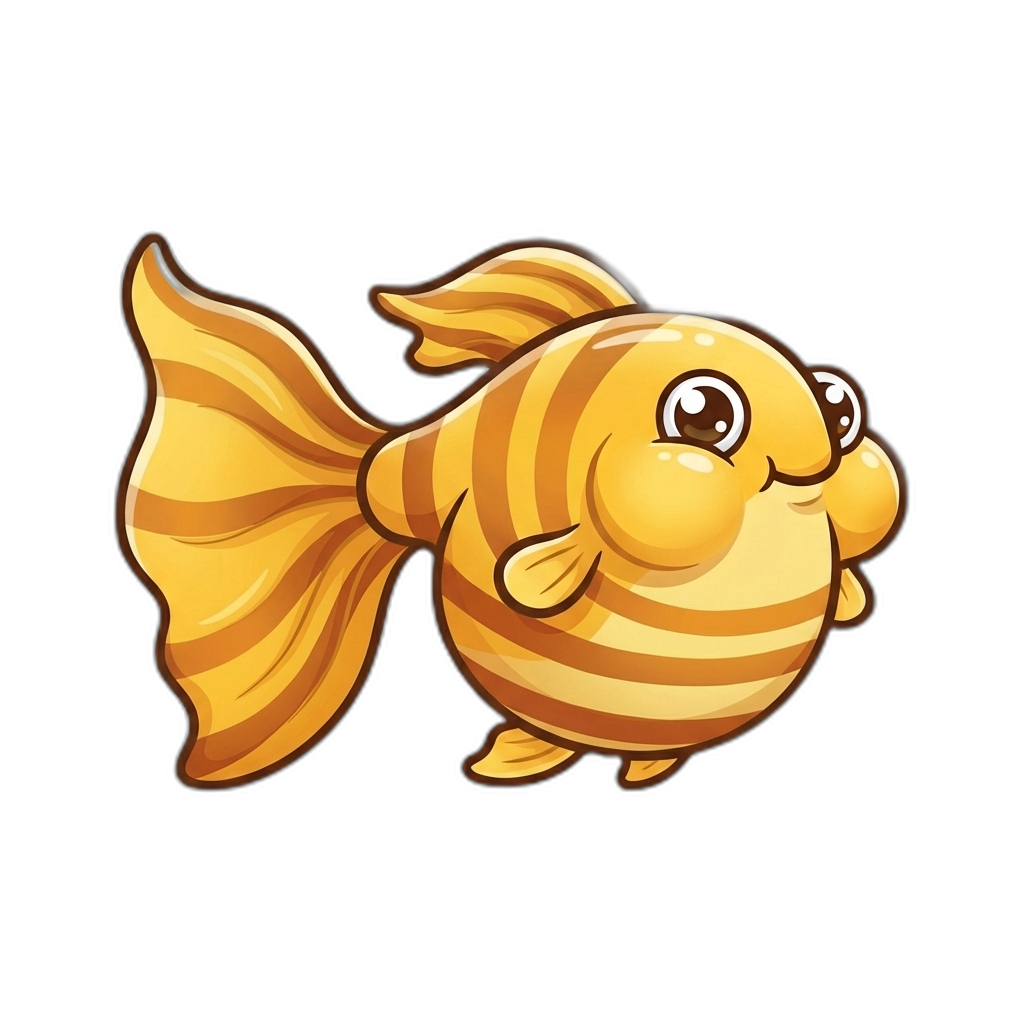
Same golden chubby guppy, but one has spots and the other has stripes.
4.3 The Power of Combinations
Creating variations per part leads to an explosive number of combinations:
Guppy example:
  Body: 3 types (round, slim, chubby)
  x Colors: 6 types
  x Fins: 4 types
  x Tails: 4 types
  x Eyes: 4 types
  x Patterns: 5 types
  = approximately 4,320 unique combinations
AI generation only happens once per part, and the rest is combined with code. This strategy minimizes API costs while maximizing output.
5. Sprite Sheets - Animations for Each State
In games, characters have multiple states: idle, dead, hungry, happy, sick, eating, attacking, and so on. All of these states need to be assembled into a single sprite sheet.
5.1 Reference-Based Generation
The core idea is to send the idle image as a reference and generate the remaining states:
function buildPrompt(fish) {
  return `IMAGE 1: Layout template (empty grid)
IMAGE 2: "${fish.name}" character idle sprite (reference)

TASK: Fill the template grid with the "${fish.name}" character.
Draw the character ONCE in each cell matching the state.

CELLS:
Top row:  IDLE | DEAD (belly-up, X eyes, gray) | HUNGRY (thin, sad) | HAPPY (smile, sparkles)
Bottom row:  SICK (green tint, spiral) | EATING (mouth open, food crumbs) | ATTACKING (lunging, fierce)

STRICT RULES:
- Same character in ALL 7 cells — same body shape, same species
- Each state must be CLEARLY DIFFERENT
- 2D vector cartoon style matching the reference`;
}
By sending an empty layout template image and an idle state character image together, the AI draws the same character in 7 different states.
5.2 Actual Generation Results
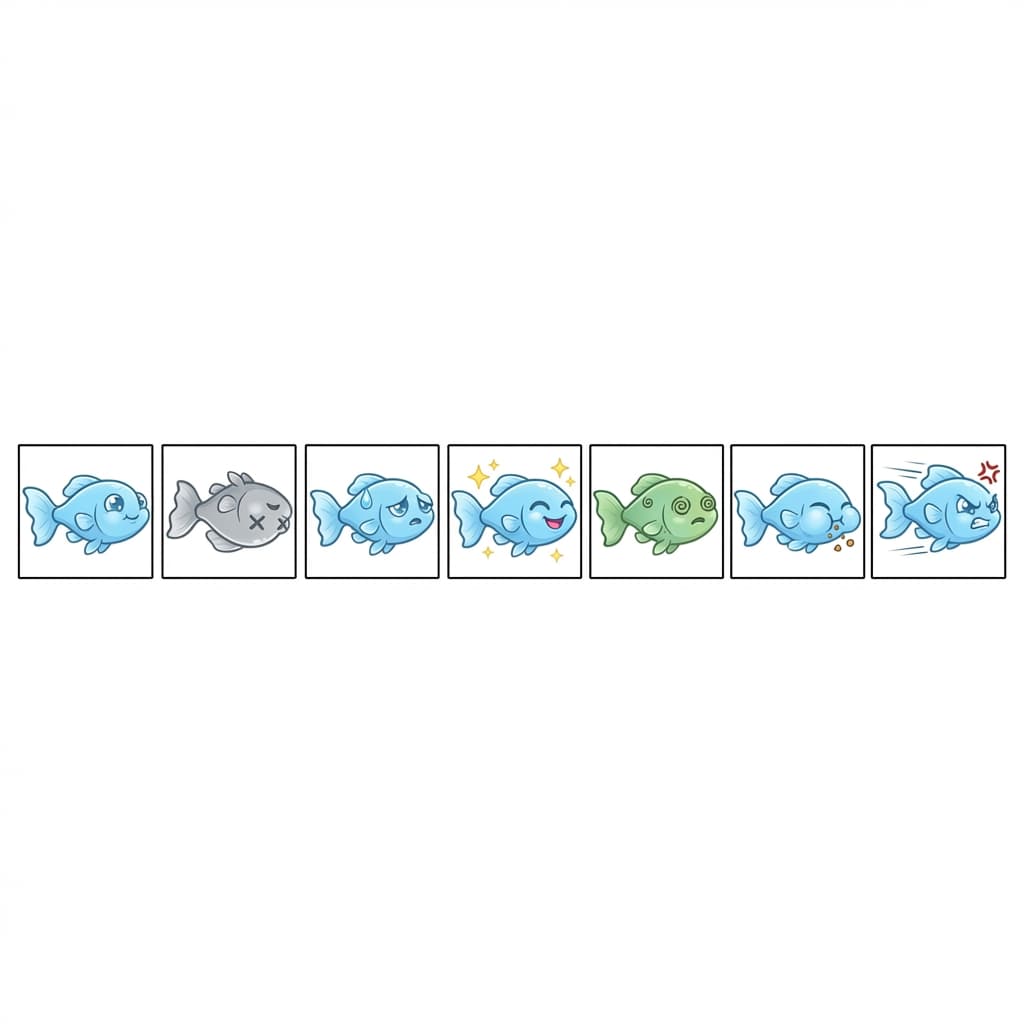
The image above is the actual generated Baby Guppy sprite sheet. From left to right:
- IDLE - Default swimming pose
- DEAD - Belly-up, X eyes, gray
- HUNGRY - Sad expression, sweat drops
- HAPPY - Big smile, sparkles
- SICK - Green tint, spirals
- EATING - Mouth open, eating
- ATTACKING - Lunging, angry expression
The same method is used to generate other species:
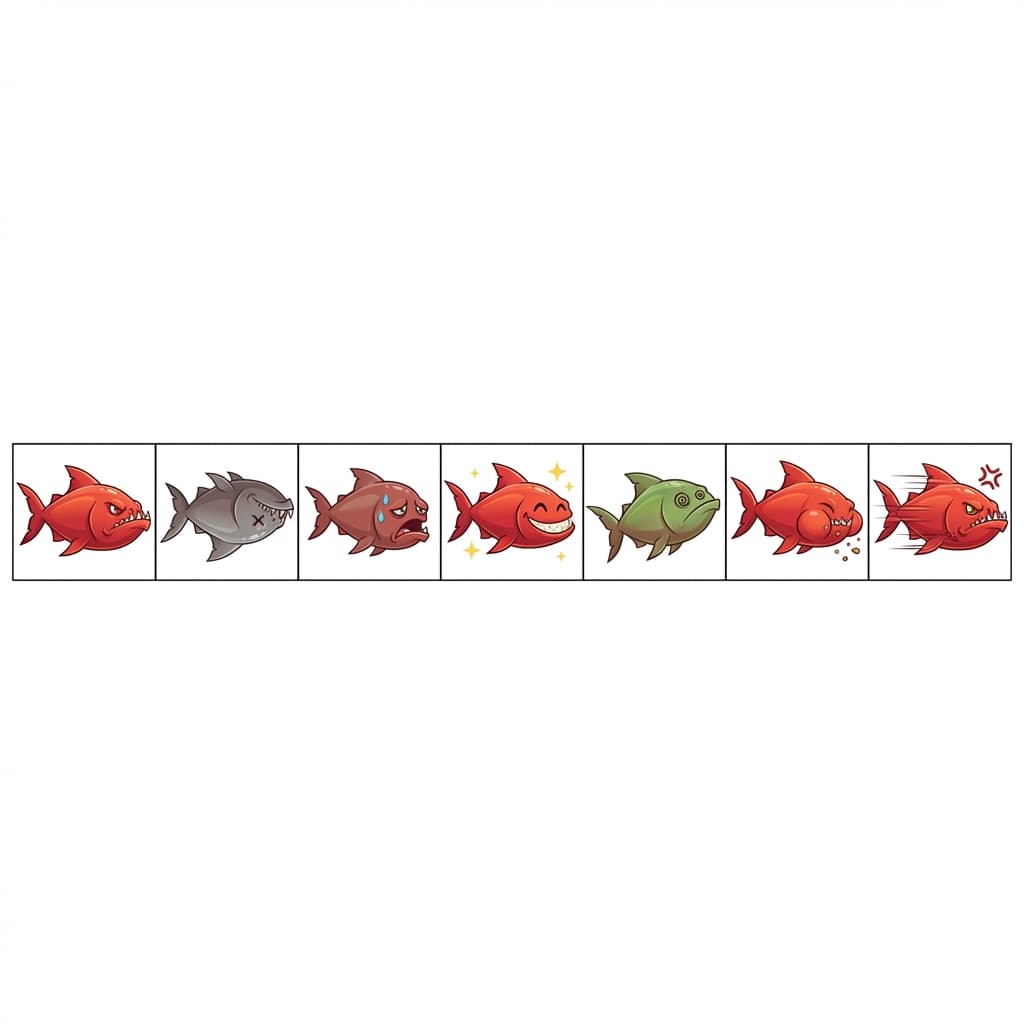
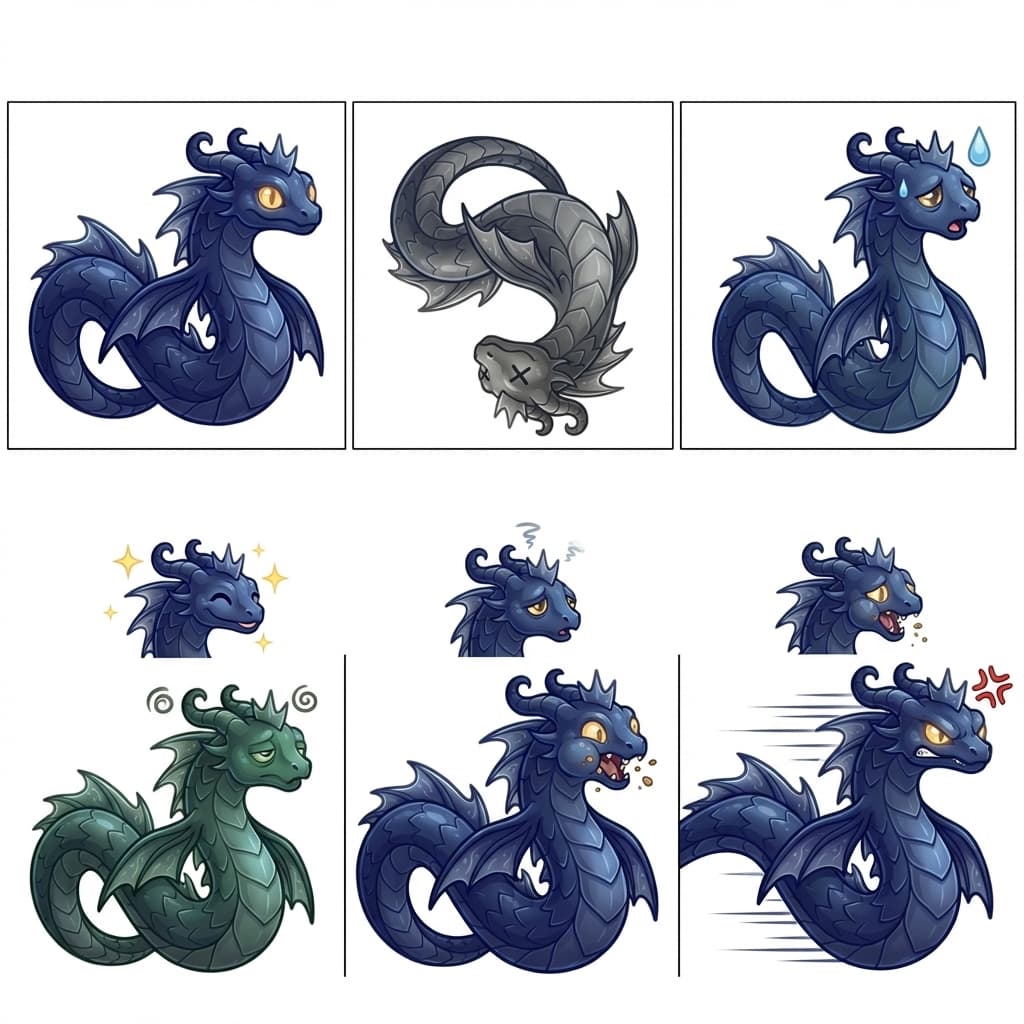
With just one idle image, the remaining 6 states are generated automatically. Instead of drawing 16 species x 7 states = 112 images one by one, it only takes 16 API calls.
6. Background Removal - The Green Screen Technique
Backgrounds need to be removed from AI-generated images before they can be used in a game. Two methods are used:
6.1 AI Background Removal (Primary)
Python's rembg library (U2-Net model) is used to automatically remove backgrounds:
async function removeBackgroundAI(imageBuffer) {
  writeFileSync(inputPath, imageBuffer);
  execSync(`python3 rembg_worker.py "${inputPath}" "${outputPath}"`);
  return readFileSync(outputPath);
}
6.2 Chroma Key (Fallback)
Request a green background (#00FF00) in the prompt, then replace green pixels with transparency in code:
BACKGROUND: Solid pure green (#00FF00) background ONLY - classic green screen
This works on the same principle as green screens in movies. Tell the AI to "draw on a green background," then replace only the green with transparency in code.
7. Practical Tips
Tips for Style Consistency
- Lock in your style guide. Once you decide on art style, perspective, lighting, and outline, include them identically in every prompt
- Specify reference games. Mentioning specific games like "Insaniquarium, Fishdom style" helps the AI maintain a consistent style
- Fix resolution and composition. Always include "512x512, side view, centered"
Cost Optimization
- Generate once per part and combine with code to minimize API calls
- Apply rate limiting (3-second intervals) to avoid hitting API limits
- Archive generated results so you never need to regenerate them
The Reality of AI Image Generation
- Results are not 100% perfect. Out of 10 generations, 7-8 are usable and 2-3 need to be regenerated
- The more complex the character, the harder it is to maintain consistency. Start with simple characters
- For sprite sheets, the layout sometimes comes out misaligned. Sending a blank template image as a reference improves accuracy
8. Summary
| Stage | Description | API Calls |
|---|---|---|
| Design generation | Character design per species | 1 per species |
| Color variations | Variations with changed colors/patterns | 1 per variation |
| Sprite sheets | Idle to 7-state sheet | 1 per character |
| Background removal | Green screen / AI removal | 0 (local) |
The key takeaway is "generate once, combine infinitely." Create base parts with AI, then combine them with code to produce thousands of unique characters. Even if you cannot draw, you can create game-ready resources with just prompts and code.