
- Authors
1. When You Have Too Many Meetings
When you have 5 or more meetings a day, you end up walking into them unprepared. With Google CLI + AI, you can manage your calendar smartly.
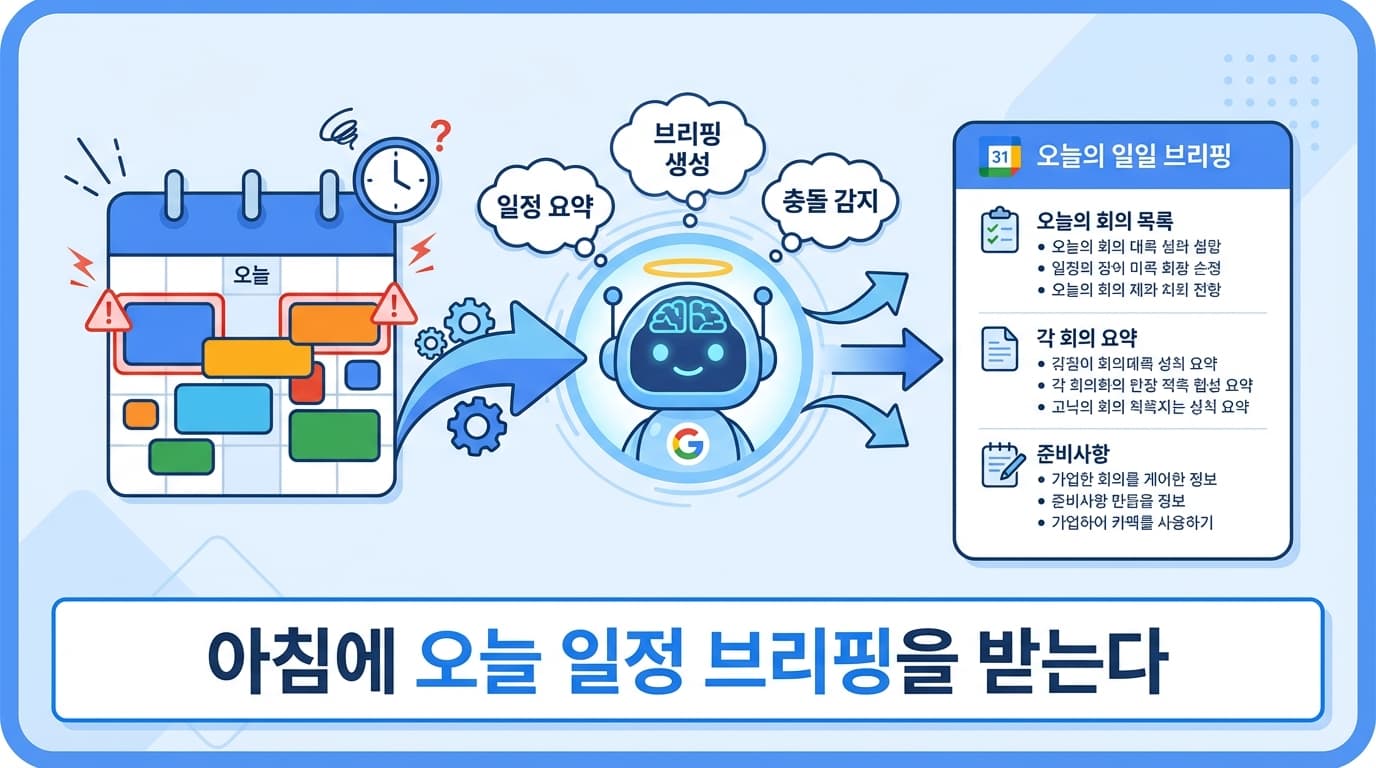
2. Auto-Generated Daily Briefing
2.1 Fetching Today's Schedule
const events = await google.calendar.events.list({
  calendarId: 'primary',
  timeMin: todayStart,
  timeMax: todayEnd,
  orderBy: 'startTime',
});
2.2 AI Briefing
const prompt = `Here is today's meeting schedule. Please write a briefing.

For each meeting:
1. Time and title
2. Attendees
3. Expected topics (inferred from title and attendees)
4. What to prepare

For the overall schedule:
- Available time blocks for focused work
- Back-to-back meeting warnings (no break time)
- Priority suggestions for the day

Schedule:
${JSON.stringify(events, null, 2)}`;
2.3 Output Example
# Today's Briefing — 2026-03-31 (Mon)

## Meeting Schedule
- 09:00-09:30 **Daily Standup** (full team) -> Share yesterday's work
- 10:00-11:00 **Design Review** (design team) -> Review Figma file beforehand
- 14:00-15:00 **Client Meeting** (external) -> Progress report needed
- 16:00-16:30 **1:1** (manager) -> Prepare this week's goals

## Free Time (available for focused work)
- 11:00-14:00 (3 hours) <- Today's golden time
- 15:00-16:00 (1 hour)

## Heads Up
- Lunch break before the 2 PM client meeting may be tight
3. Meeting Notes Integration
After meetings, AI can organize recordings/notes and attach them to the calendar event:
// After meeting ends
const meetingNotes = await generateMeetingNotes(audioFile);

// Add notes to calendar event
await google.calendar.events.patch({
  calendarId: 'primary',
  eventId: event.id,
  description: meetingNotes,
});
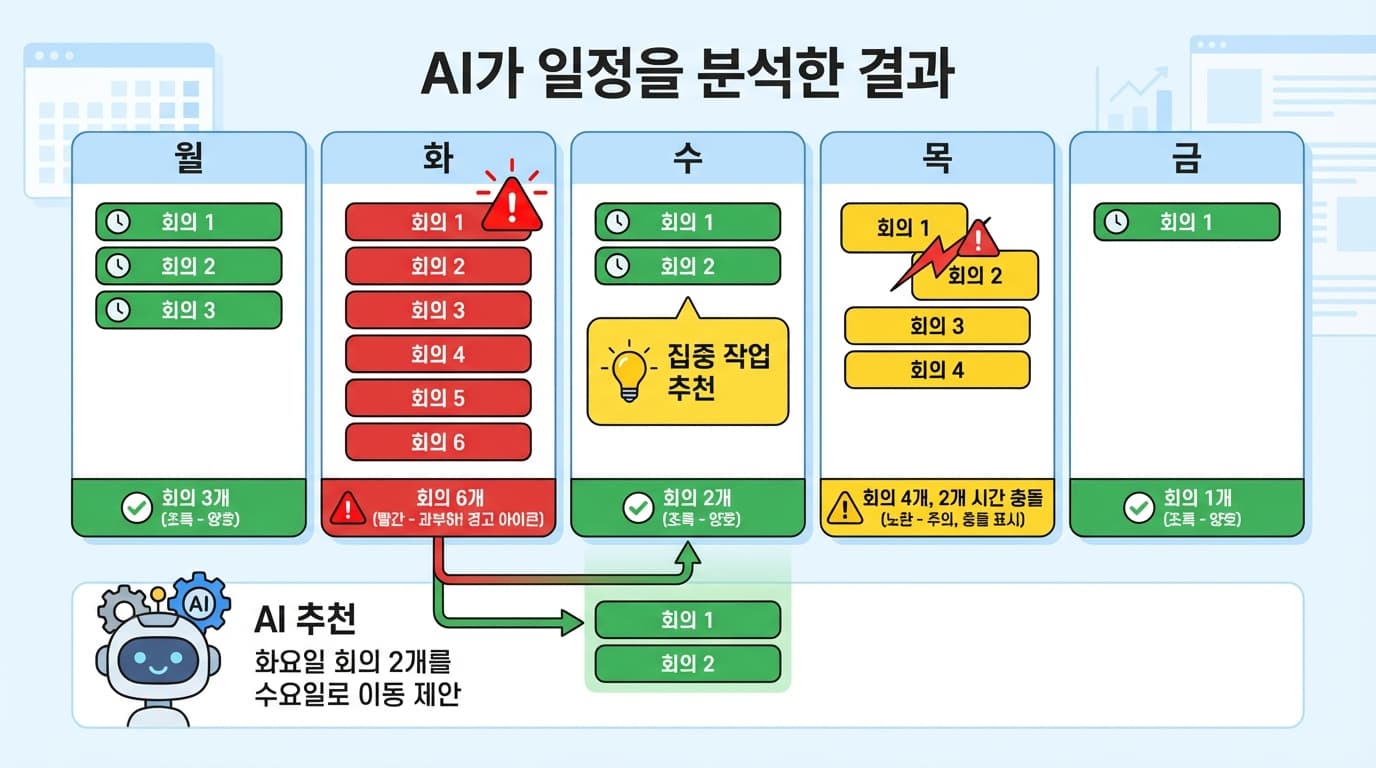
4. Schedule Conflict Detection
const prompt = `Please analyze next week's schedule.

Check for:
1. Meetings with time conflicts
2. Gaps under 30 minutes (insufficient travel/prep time)
3. Days with 4+ meetings
4. Days with less than 2 hours of focused work time
5. Optimization suggestions

Schedule:
${JSON.stringify(nextWeekEvents, null, 2)}`;
5. Automation Workflow
Every morning at 7:30
  -> Fetch today's schedule
  -> Generate AI briefing
  -> Send via Slack/email

Every Sunday evening
  -> Analyze next week's schedule
  -> Detect conflicts/overload
  -> Send optimization suggestions
6. Summary
| Feature | Method | Result |
|---|---|---|
| Schedule retrieval | Google CLI | Today's/this week's events |
| Daily briefing | AI API | Per-meeting summary + prep items |
| Conflict detection | AI API | Time conflicts + optimization suggestions |
| Meeting notes | AI + Calendar API | Auto-attach notes after meetings |
Start each day efficiently with a 5-minute morning briefing.