
- Authors

What Is an API?
A Way to Send Requests to Another Computer
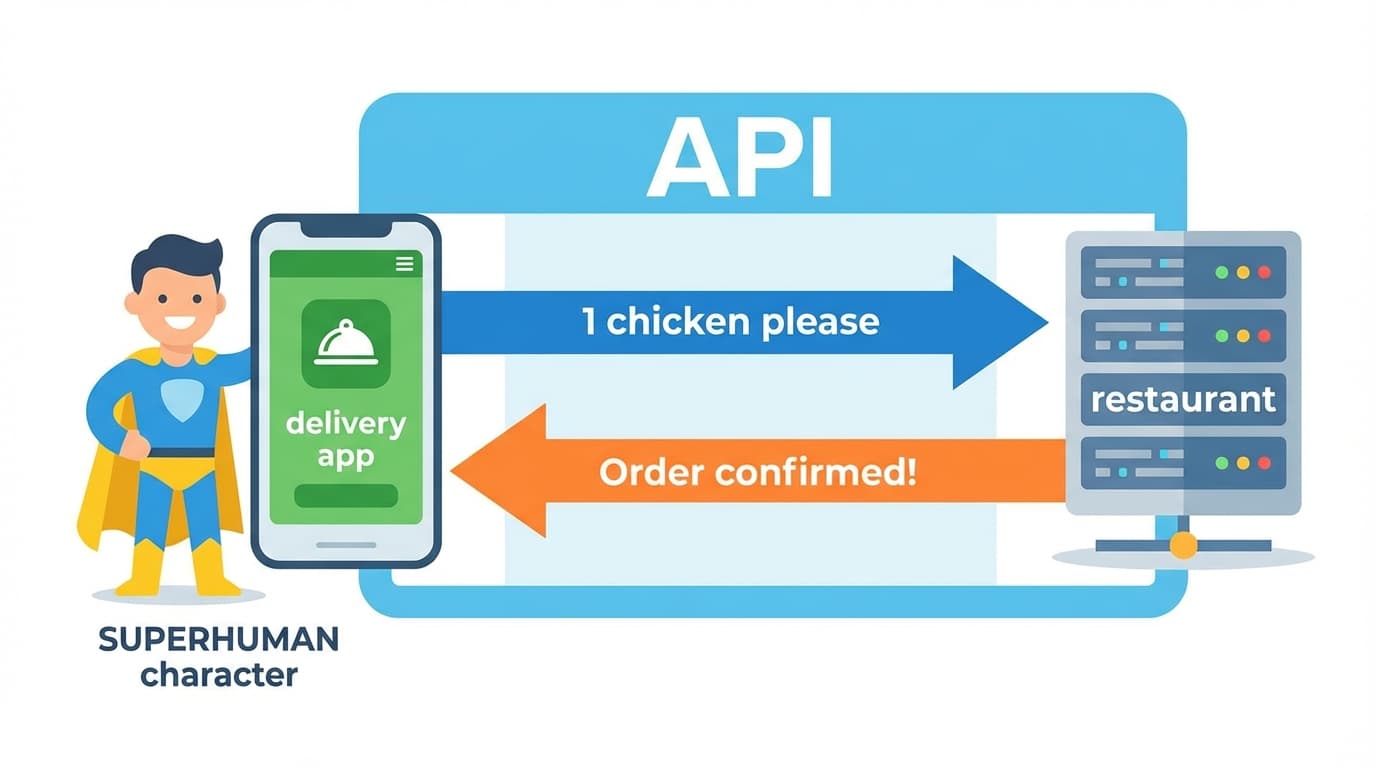
What happens when you tap "Order" on a delivery app?
- The delivery app on your phone sends "1 chicken please" to the restaurant's server (another computer)
- The restaurant's server sends back "Order confirmed!"
A way for your program to send requests to another computer (server) and receive responses — that's an API.
It's Used Everywhere
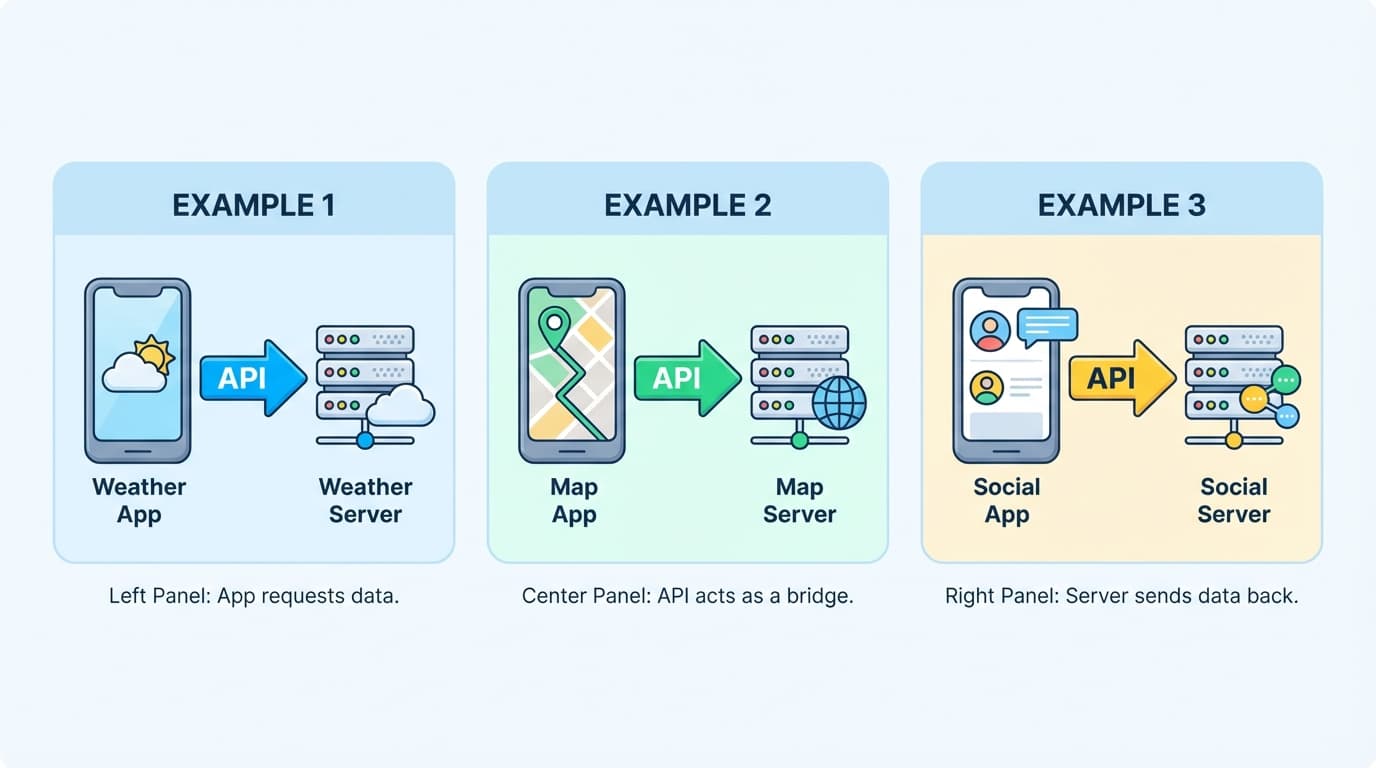
When a weather app asks a weather server for the forecast — that's an API. When a map app asks a map server for directions — that's an API. When Instagram asks a server for new posts — that's an API.
Behind every app screen, the app on your phone is sending requests to other computers (servers) through APIs.
Key Point
API = A way for your program to send requests to another computer (server) and receive responses The apps you use every day are already sending requests to servers through APIs.
What Does "Using an API Directly" Mean?
Usually, the App Handles It
When you use a delivery app, you don't think "let me send an API request to the restaurant's server." You just tap a button and the app handles it.
Same with the Gemini website — you type in the chat box, and the website handles sending the API request to Google's AI server.
"Using It Directly" = Sending Requests with Your Own Program
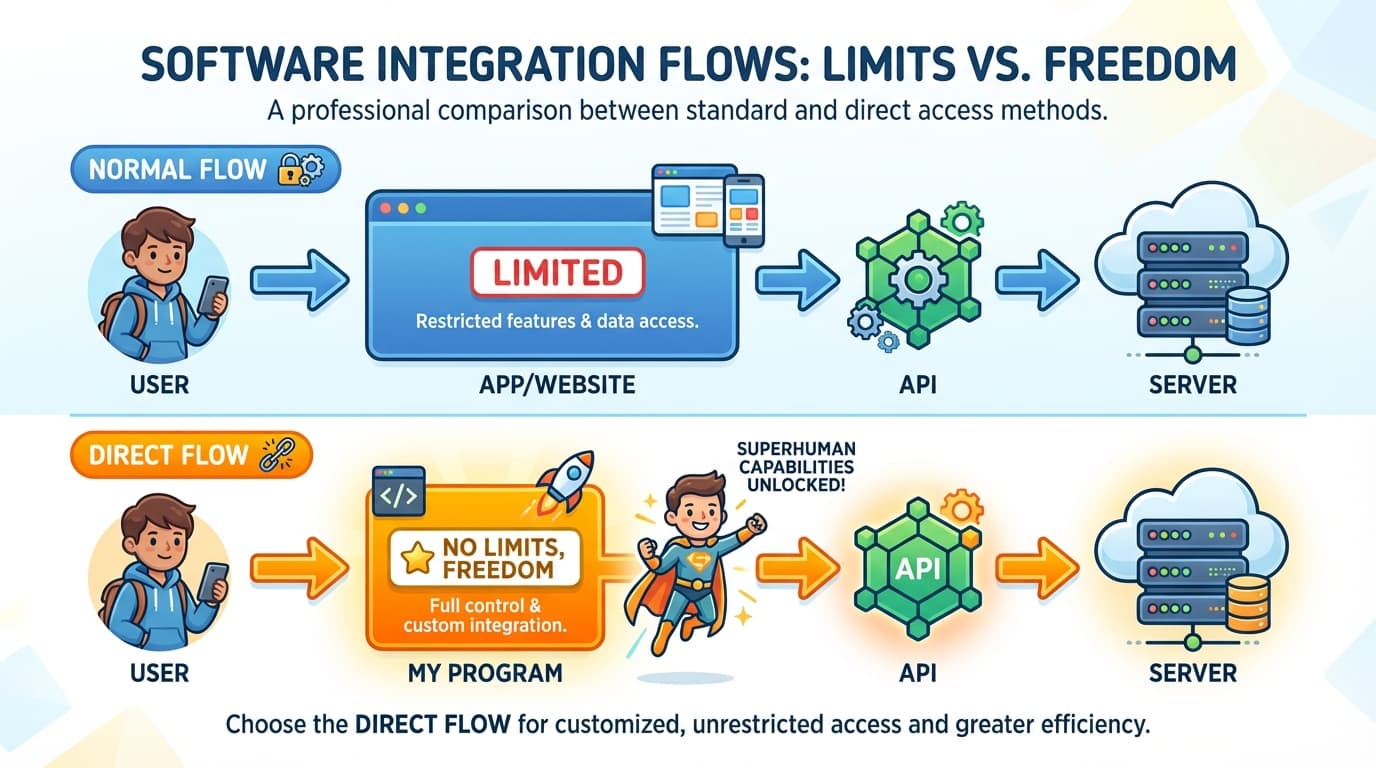
Using an API directly means your program sends requests to the server without going through an app or website.
[Normal]   You → App/Website → API → Server
[Direct]   You → Your program → API → Server
Why bother? Because apps and websites have limitations.
For example, when you create images through Gemini chat:
- Watermarks are added
- You can only make one at a time
- You can't adjust detailed settings
When you use the API directly, these limitations disappear.
Key Point
Using an API directly = Sending requests to the server with your own program, without an app No app limitations — full freedom.
API Key — Your Personal Access Pass
What Is an API Key?
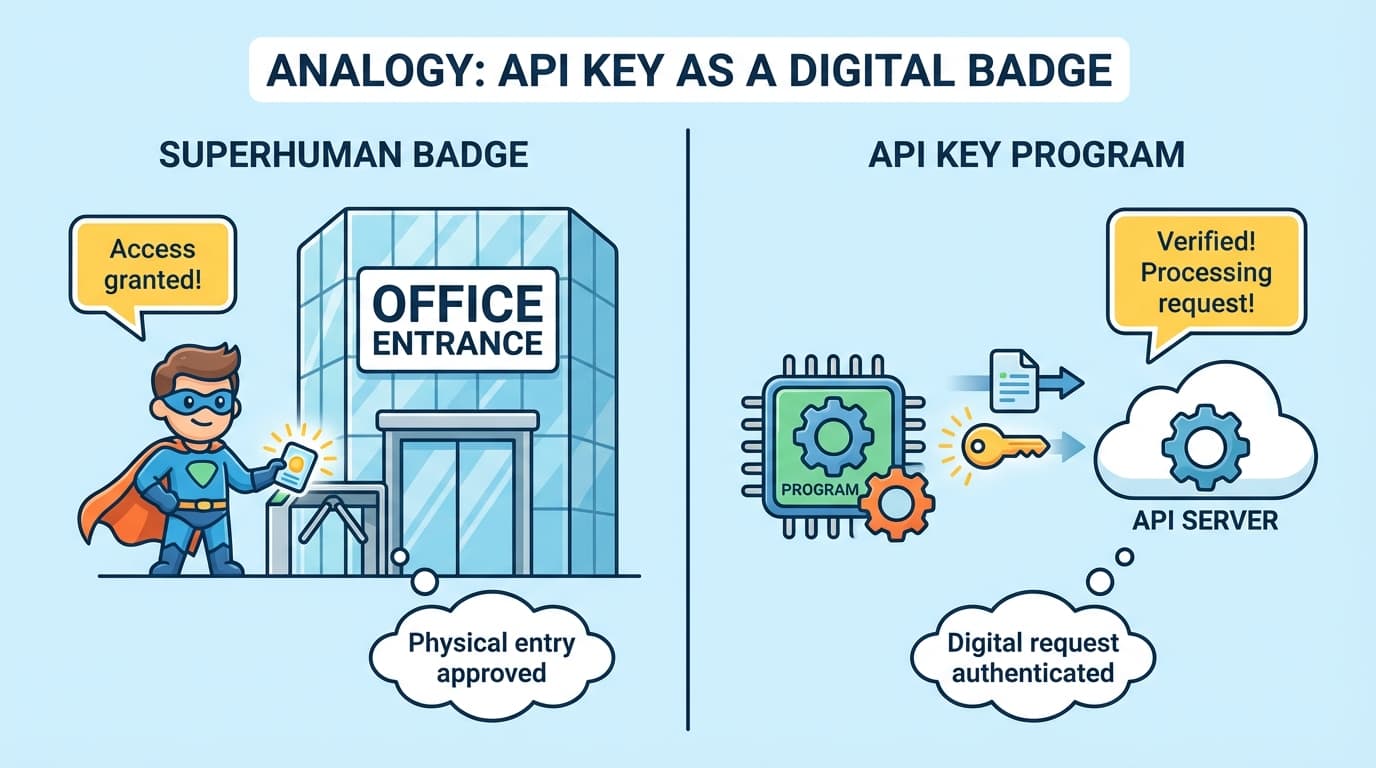
To use an API directly, you need an API key.
An API key is an access pass that proves "I am an authorized user." Just like you can't enter an office building without a badge, you can't access an API server without an access pass.
It's a long string like AIzaSyB...xYz123, and you need to include it when sending requests for the server to accept them.
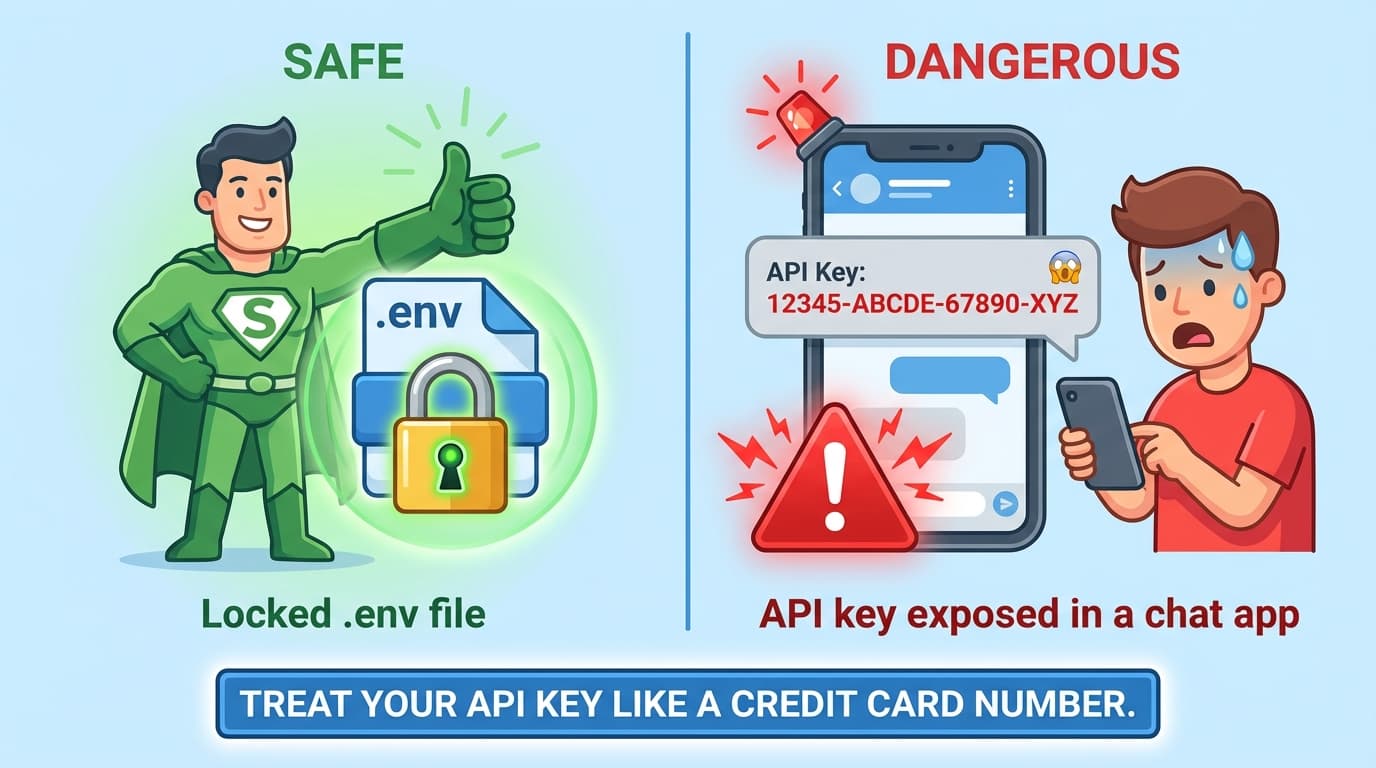
Your API Key Is a Password
Once you get an API key, you need to keep it safe.
If someone else gets your API key, you'll be billed for their usage. Think of it like sharing your credit card number.
| Do this | Don't do this |
|---|---|
Store in a .env file | Hardcode it in your code |
| Keep it to yourself | Share on messaging apps/Slack |
Add .env to .gitignore | Upload to GitHub |
Getting an API Key
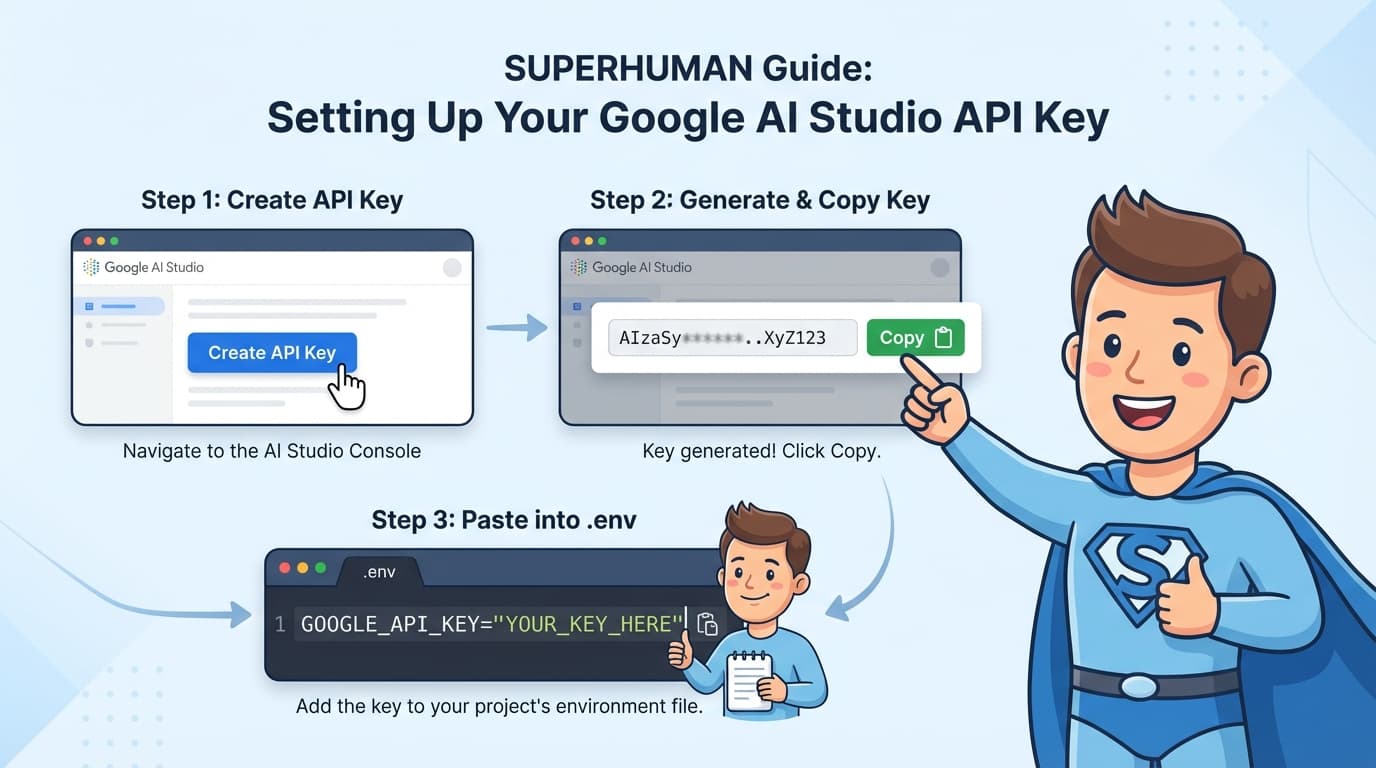
You can get a Gemini API key for free from Google AI Studio.
- Visit aistudio.google.com/apikey
- Sign in with your Google account
- Click the "Create API Key" button
- Copy the generated key
Create a .env file in your project folder and save it:
GEMINI=paste_your_API_key_here
Key Point
- API key = An access pass to use API servers
- Never share it — if someone else uses it, you get billed
- Store it in a
.envfile and add.envto.gitignore
Summary
| Concept | One-line Description |
|---|---|
| API | A way for your program to send requests to another computer (server) and receive responses |
| Using API directly | Sending requests to the server with your own program, without an app |
| API key | An access pass to use API servers (keep it like a password) |